

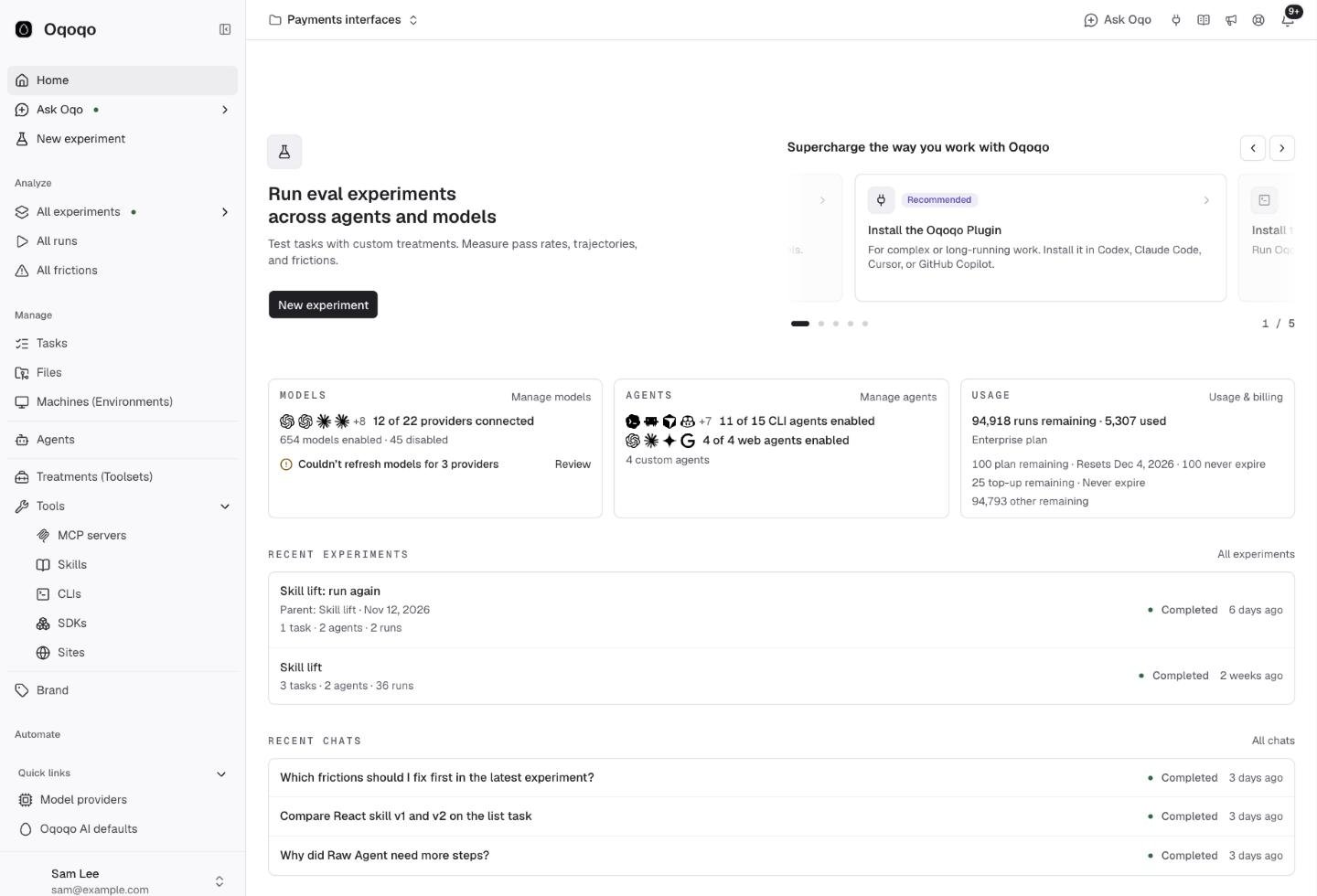
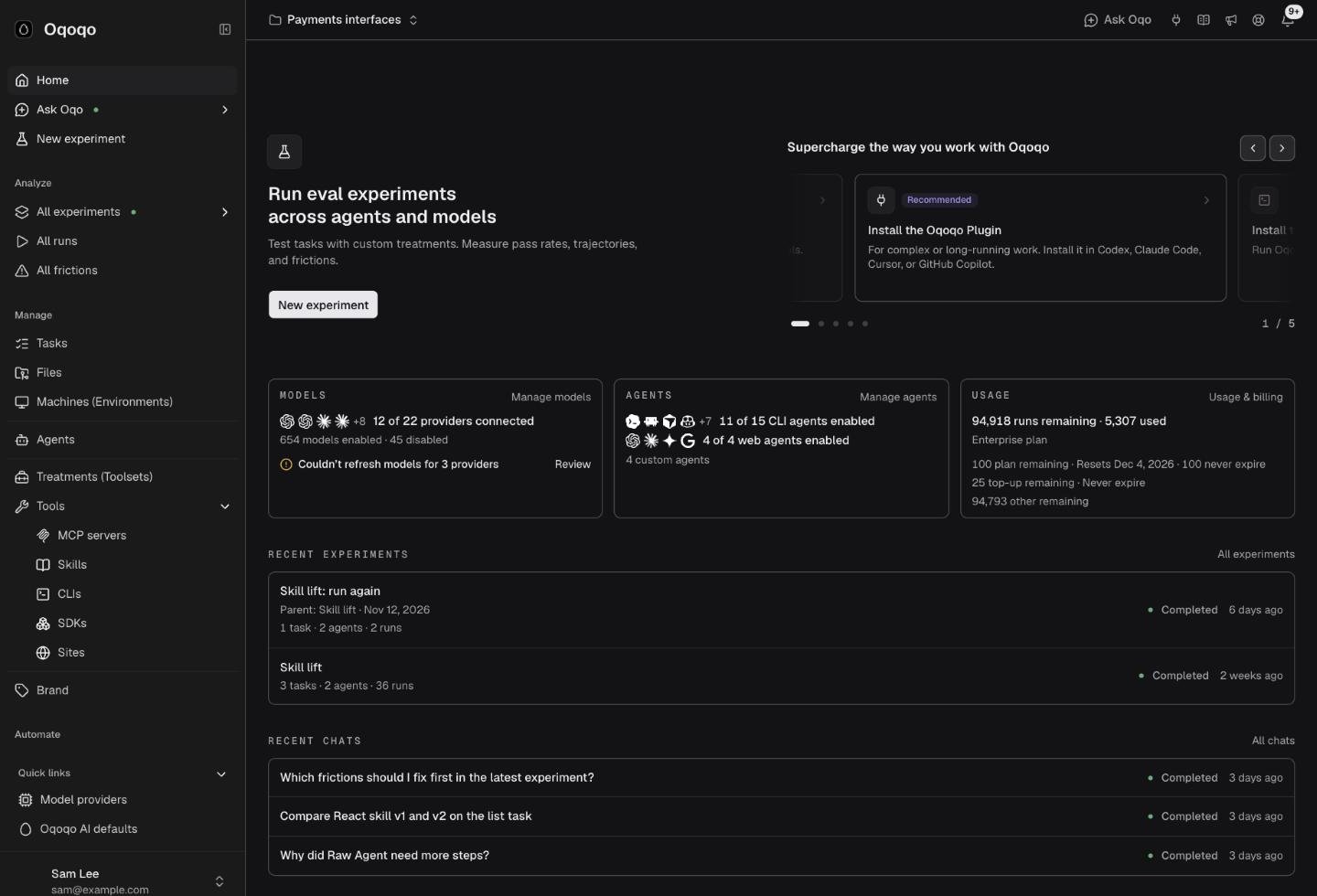
Top of the sidebar
Analyze
Manage
Catalog lists and All experiments show tags on each row and include a Tags filter.
Automate and Quick links
Header and account menu
Select your name at the bottom of the sidebar to open the account menu.
On narrower screens, header action buttons collapse into Automate and the account menu. When no model provider can run models, a banner at the top of the page links directly to the fix.
Tabs on detail pages
A tool’s Treatments tab lists the treatments that give the agent the tool (See which treatments use a tool), and a machine’s or file’s Tasks tab lists the tasks that use it (See which tasks use a file or machine). On any record, Runs lists every run that used it, and Experiments and Frictions show the experiments and frictions from those runs. On detail pages, secondary actions overflow into the ⋯ menu when the window narrows.
Save changes
If a record changed after you opened it, in another tab, by a teammate, or from the CLI or the plugin, saving does not replace that change. Oqoqo says the record changed and shows Load latest version. Select it, then make your change again. A treatment keeps your edits when it loads the latest version, so check them and save.Next steps
Projects
Create, switch, rename, and delete projects.
Set up your organization
Complete the organization setup checklist.
Profile and API keys
Connect personal subscriptions and create API keys.
Glossary
Look up any Oqoqo product term.