

Brand is in private beta. Email support@oqoqo.ai to enable it for your organization.
For a CLI agent run, Oqoqo records the final answer but not the sites the agent read or the searches it made. So the Cited counts, the list of sites, and the searches cover web agent runs only.
Analyze brand for an experiment
Choose Brand when you launch an experiment. If you didn’t, you can analyze brand for it later: Oqoqo reads the answers the runs already saved, so every run is counted at once, including runs that finished, and it costs no runs.- Dashboard
- CLI
- Plugin (MCP)
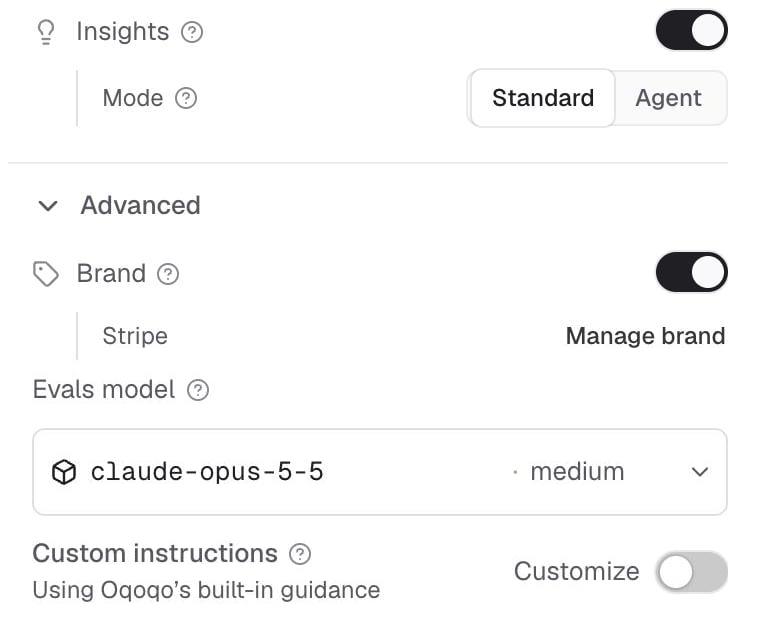
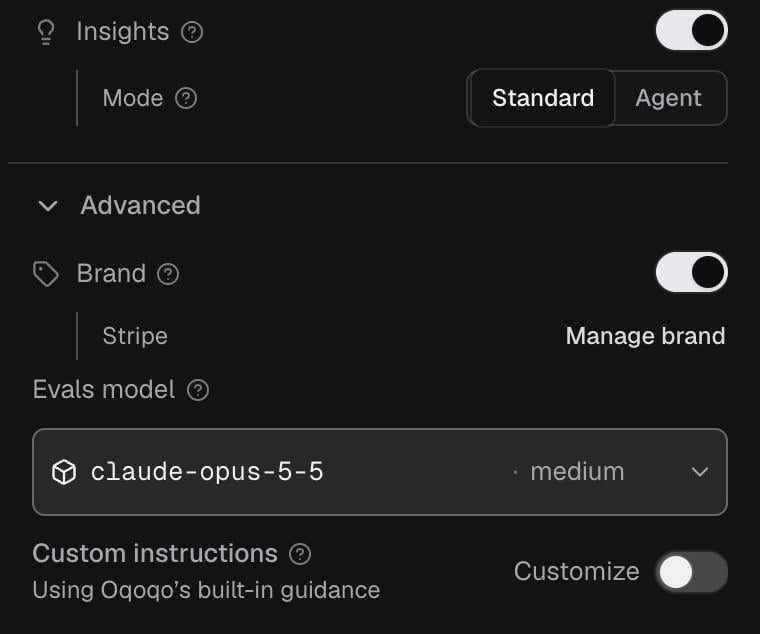
- When you launch: on New experiment, expand Advanced in the Configuration panel and turn on Brand. The line below it shows your brand name with Manage brand, or No brand details yet with Add brand details. Both open your brand details in a dialog. Launch again and schedules keep the Brand choice of the experiment they come from.
- Later: open the experiment’s ⋯ menu and select Analyze brand. The experiment’s Brand section opens.
oqoqo experiments brand and get_brand_results refuse with brand_not_analyzed, and so does reading a CLI agent run’s answer.
Add your brand and competitors
Your brand details are your names and sites, and your competitors’. A project has one set, and it applies to the runs of every agent. Agents never see the details.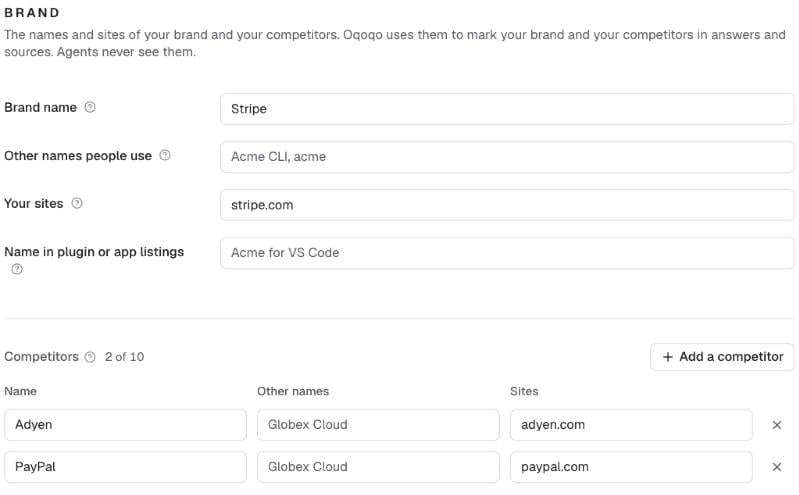
- Dashboard
- CLI
- Plugin (MCP)
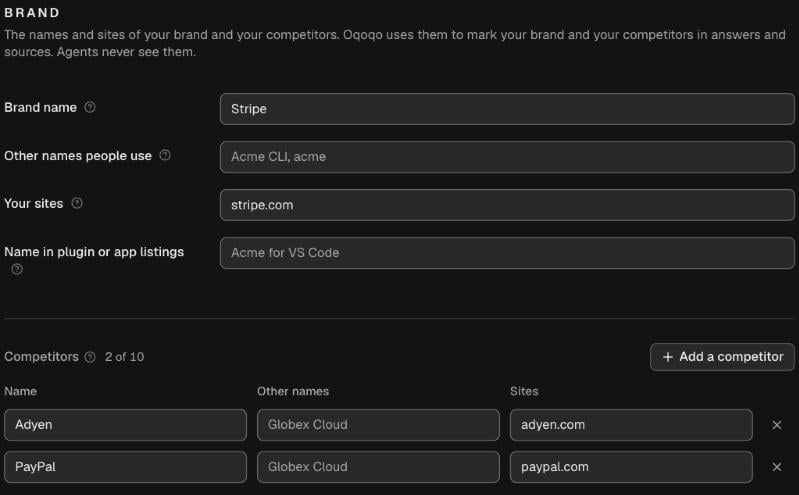
- Open Manage → Brand. On New experiment, you can also turn on Brand under Advanced and select Add brand details or Manage brand, which opens the same form in a dialog.
- Enter the Brand name as people write it, and any Other names people use.
- Under Your sites, list your sites, separated by commas. A site covers its subdomains, and you can paste full addresses.
- Fill in Name in plugin or app listings only when a plugin or app listing calls your brand by a different name.
- Under Competitors, select Add a competitor for each brand to tell apart from yours, up to 10, with its Name, Other names, and Sites.
- Select Save.
Read the Brand section
An experiment has the sections Matrix, Frictions, Brand, and Runs. Brand shows for an experiment of either kind once Brand is analyzed for it, and it has four blocks. Brand counts use the answers with enough evidence for that measurement. For example, a page can show a confirmed citation to your site while leaving other sources unidentified. An unreported search count is unknown.
Until the project has brand details, Named and cited asks for them, Other sites cited is titled Sites the answers cite, and By task shows an Answers count in place of Named and Cited.
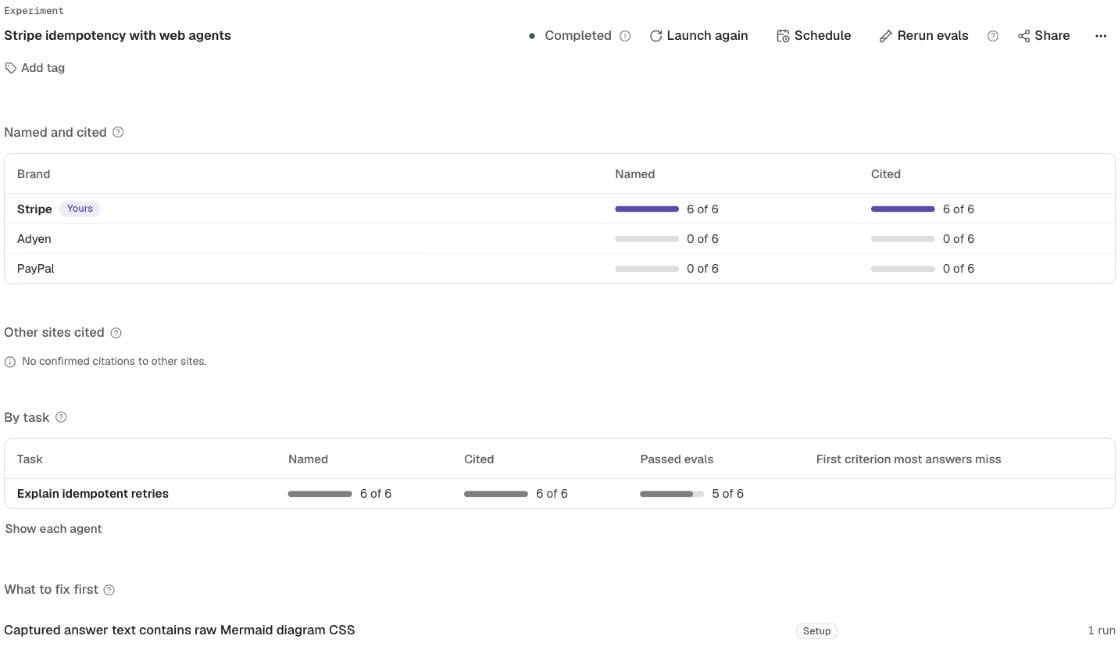
- Dashboard
- CLI
- Plugin (MCP)
Open the experiment and select Brand in its sidebar, after Frictions.
See the marks in a run
Open a run of an experiment that analyzes brand and select Output. The Answer view shows the run’s final response with your brand and each competitor marked. A line above it counts each name, and reads Your brand not named when the answer does not name you. For a web agent run, Sources also marks your sites Yours and names a competitor’s site (Read a run’s answer).- Dashboard
- CLI
- Plugin (MCP)
Open the run from By task or Runs, and select Output.
Read results with care
- Answers change from run to run. An agent can answer the same prompt differently each time, so read a count from fewer than 5 answers as a hint. Add trials before you draw a conclusion.
- A citation is a link in the answer. An item listed in a source panel can have an unknown citation status. Oqoqo counts confirmed links.
- A source is yours only from your sites. A listing or profile on another site that names your brand is marked as other. The same rule applies to a competitor’s sources.
- A name matches as a whole word. Add each spelling people use under Other names people use.
Next steps
Web agents
Run ChatGPT, Claude, Gemini, and other web agents.
Frictions
Read what Insights found in the answers.
oqoqo web-agents and brand
The brand commands and their flags.
Web agent tools
The plugin’s Brand tools and their fields.