

Connect Slack
Connect each Slack account once. You need an Ask Oqo model first (prerequisites).1
Open the project you ask about most
A new Slack account takes the project you have open as its default project. You can change it later.
2
Open Profile → Ask Oqo in Slack
Select Ask Oqo in Slack under Automate in the sidebar or on Home, or Slack in the Ask Oqo header.
3
Connect your workspace
Select Connect Slack, sign in to Slack, pick your workspace, and select Allow. If your workspace needs admin approval for apps, connect again after your admin approves the request.
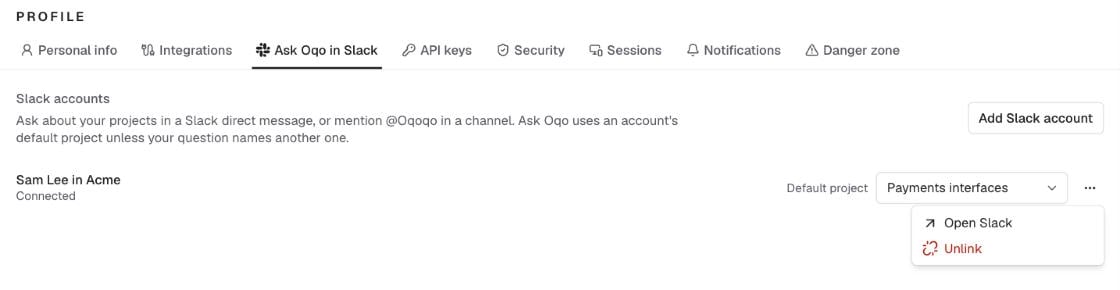
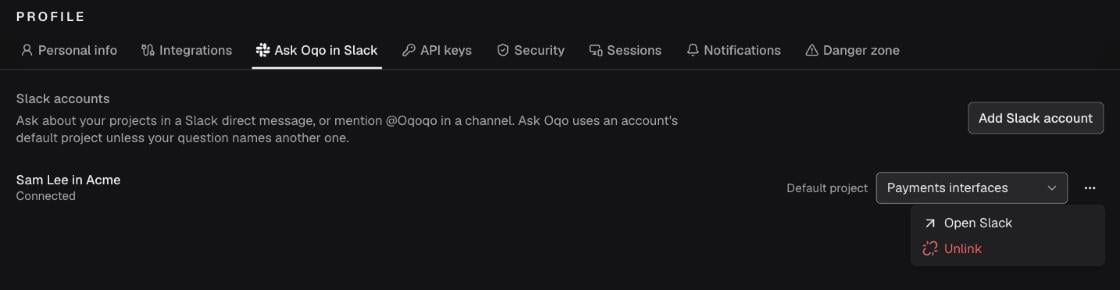
Connect one Slack workspace at a time. You can’t add the Oqoqo app to a whole Slack Enterprise Grid organization.
Ask in Slack
Find Oqoqo under Agents & tools in Slack. To keep it in Slack’s top bar, open the agents menu, select Manage, and add Oqoqo. Its Messages tab starts with suggested questions: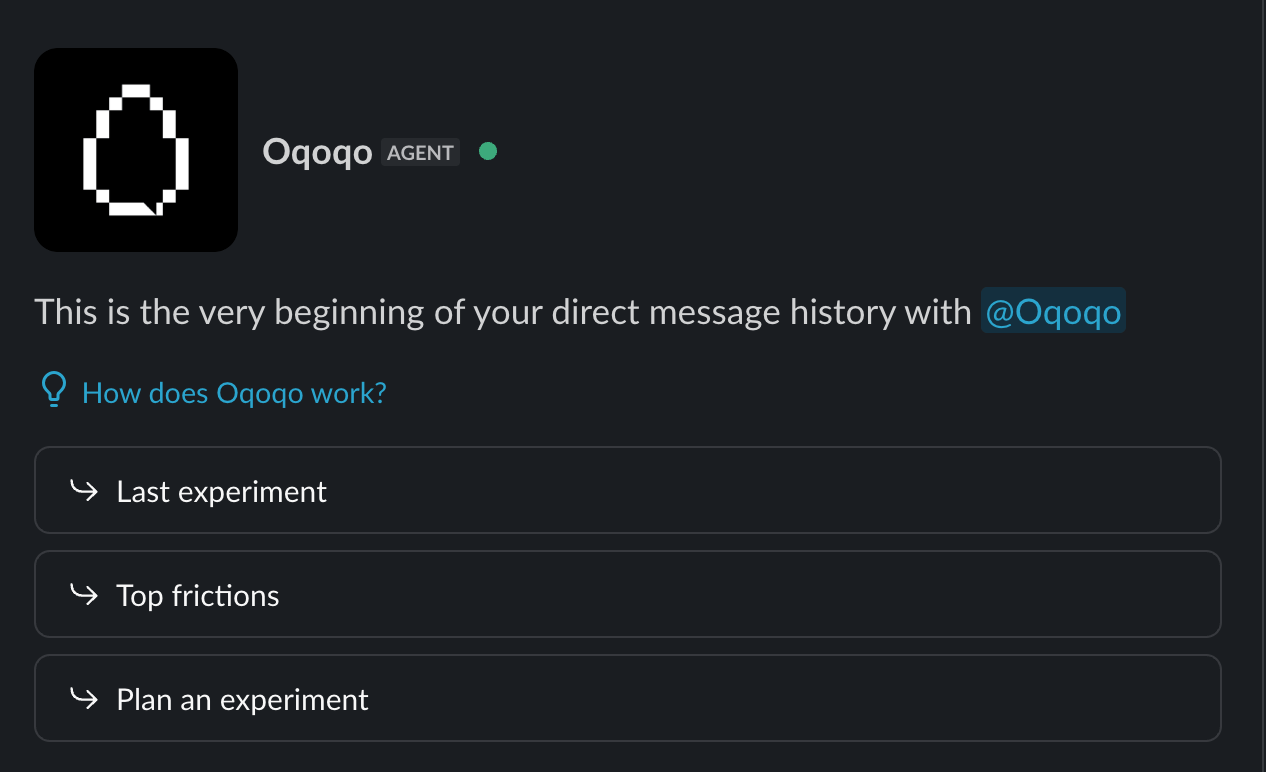
- Each message runs as its sender. Several people can write in one thread, each with their own access. Approval cards (Approve or Deny) for a channel message go to your direct messages, so only you can approve your actions.
- A thread keeps its starting project. If you change your default project, start a new thread or send a direct message.
- Channel replies are visible to the channel. Ask Oqo doesn’t answer in channels shared with other organizations (Slack Connect). Ask about sensitive work in a direct message.
Manage Slack accounts
Profile → Ask Oqo in Slack lists your connected Slack accounts.
If a workspace removes the Oqoqo app, the account’s row says that the app isn’t in the workspace. Select Add Slack account and sign in to that workspace to add it back. The account keeps its default project.
Next steps
Ask Oqo
Explore Ask Oqo capabilities, approvals, and models.
Ask Oqo in GitHub (CI/CD)
Ask in GitHub issues and pull requests (private beta).