

In-app notifications
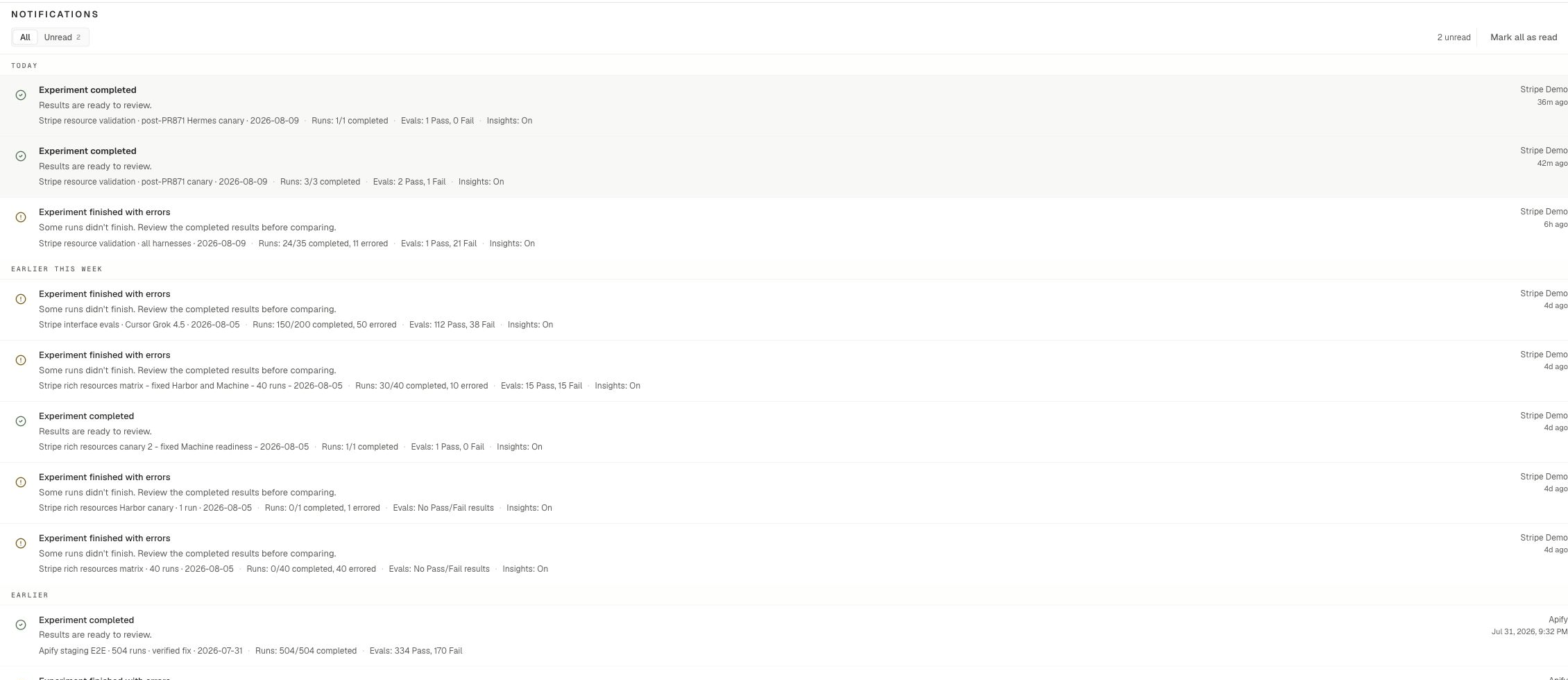
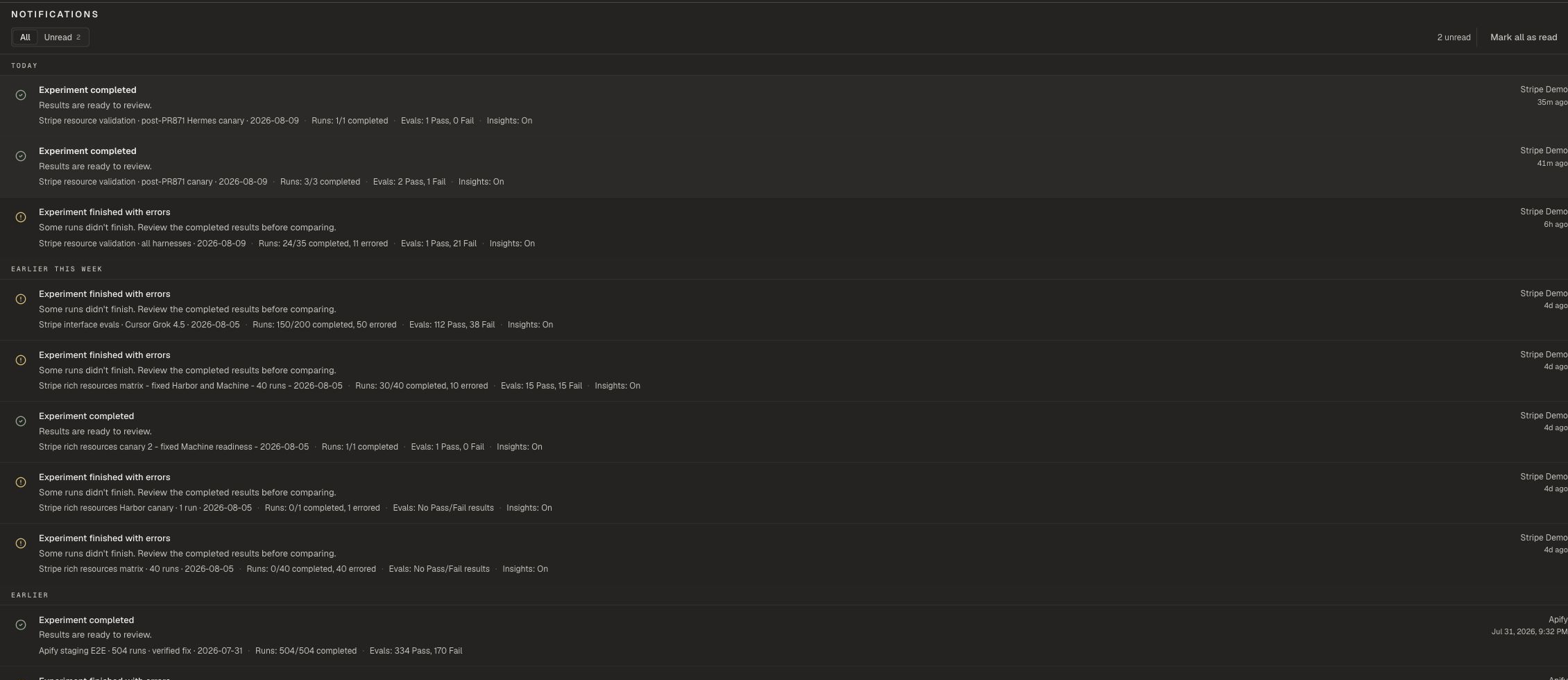
Use the Notifications bell in the dashboard header.- Open the bell for recent items
- Select See all notifications for the full list at
/dashboard/notifications - Use All and Unread tabs
- Choose Mark all as read when you are done
What you may see
Common in-app notices include:- Experiment run status updates
- Runs balance notices
- Broken MCP connection alerts
- Asset deletion status updates
Email preferences
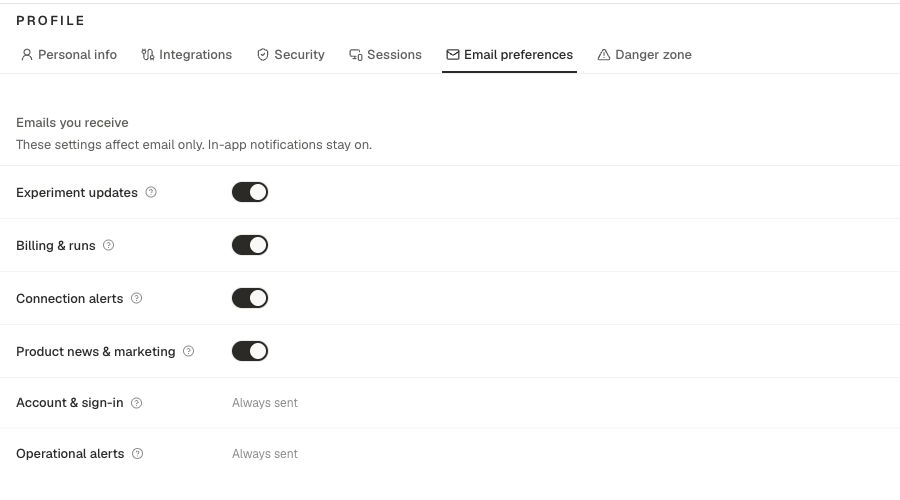
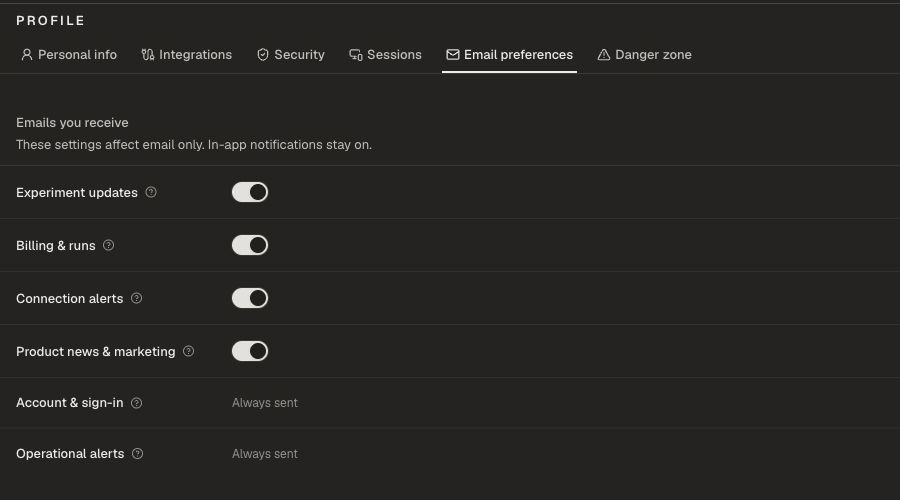
Account & sign-in and Operational alerts always send.
CLI and MCP
You can list and acknowledge notifications, and read or update notification preferences, from the CLI and MCP. Money actions and secret reconnect flows still open the dashboard when needed.Related pages
Profile
Email preferences and Integrations.
Billing
Runs balance and top-ups.
MCP
Operate Oqoqo from an agent session.
Troubleshooting
Fix connection and setup issues.