

Setup checklist
Organization settings tabs
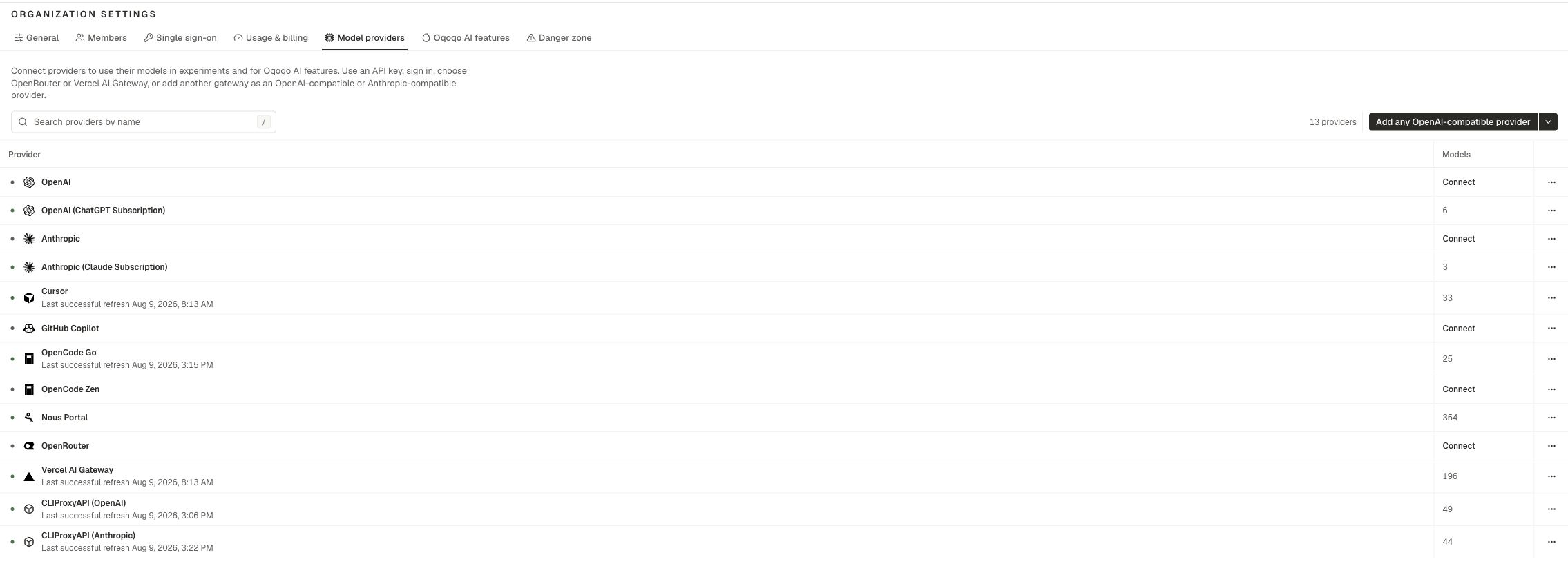
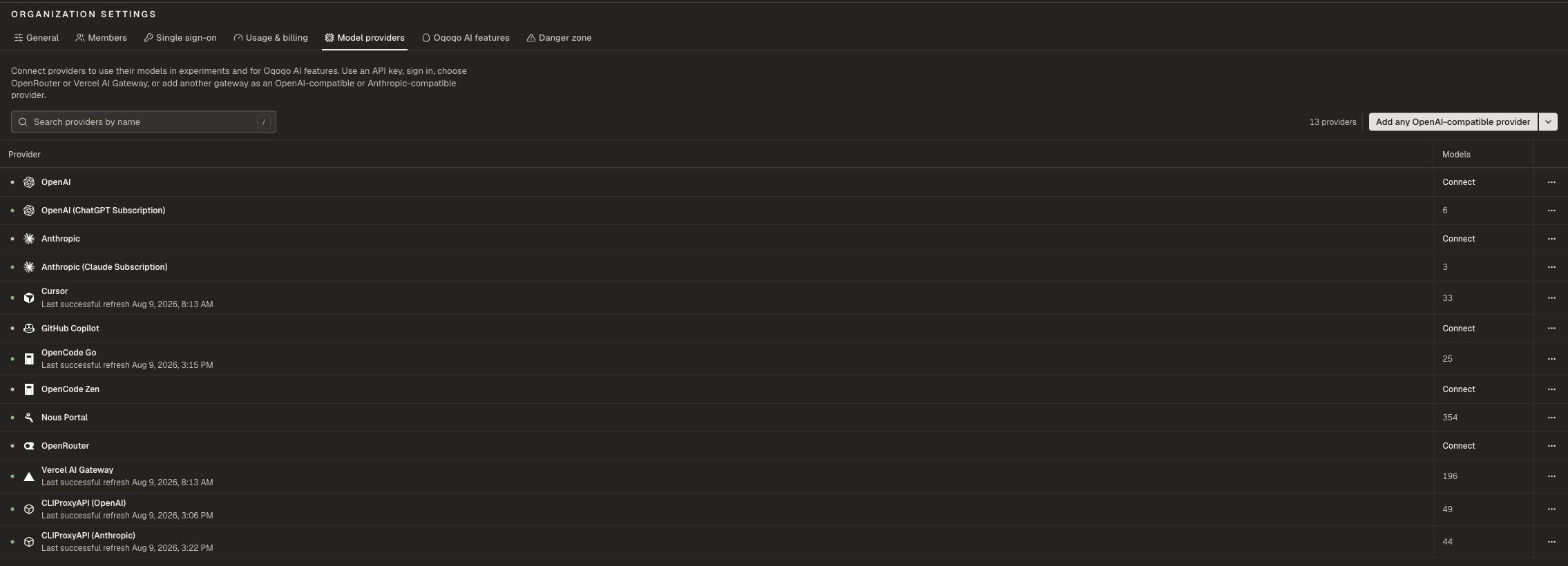
General
Open Organization settings → General.- Update the organization Name
- View Verified domains (manage domains under Single sign-on)
Members
Open Organization settings → Members. Admins can invite teammates and manage membership. Everyone in the organization shares the same run pool and provider inventory.Single sign-on
Open Organization settings → Single sign-on.- Manage Domains
- Turn on Auto-join by email domain when matching emails should join automatically
- Configure Single sign-on for your identity provider
Danger zone
Open Organization settings → Danger zone. Leave organization removes you from the org. Projects stay with the organization. If you are the only member, invite someone else before you leave.Checks after setup
- Models appear under Manage → Agents
- Ask Oqo opens without a “needs a model” message
- You can launch with Evals or Insights enabled
- You can see a run balance under Usage & billing
Next steps
Projects
Create and switch projects.
Model providers
Keys, gateways, and subscriptions.
Profile
Personal Integrations and email preferences.
Notifications
In-app and email notices.