

Tabs
Integrations
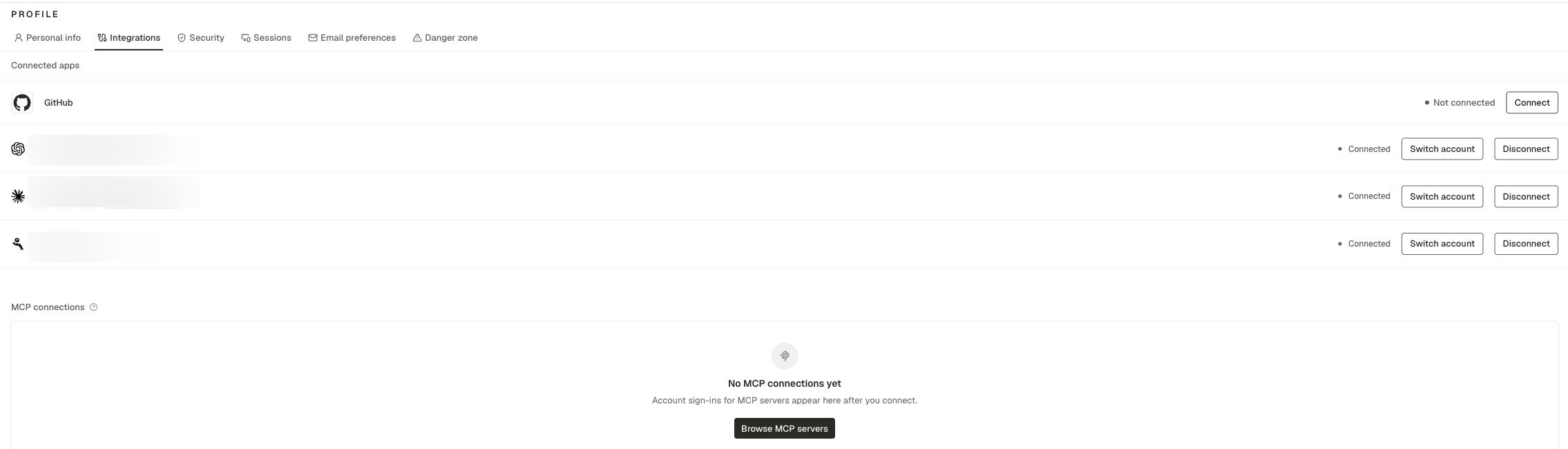
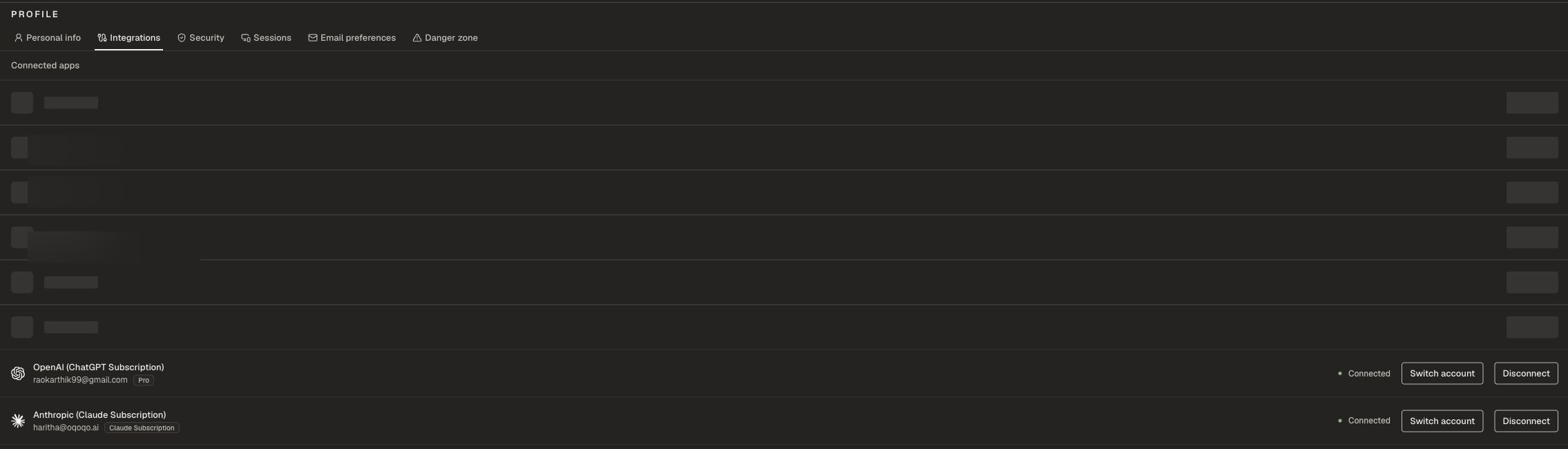
Anthropic (Claude Subscription) lets you run Claude Code with your Claude Pro / Max account instead of an organization Anthropic API key. Connect it here, then enable Claude Code under Manage → Agents.
Cursor uses an organization Cursor API key under Organization settings → Model providers, not a personal Integration. See Supported agents.
Personal Integrations are personal to you. Teammates connect their own accounts.
You can also complete personal MCP sign-ins here when a treatment MCP server needs your OAuth.
Supported personal Integrations can power agents and Oqoqo AI features. See Model providers.
Email preferences
These settings affect email only. In-app notifications stay on. See Notifications.
Some emails always send: Account & sign-in and Operational alerts.
Danger zone
Delete account permanently removes your user account. Use this only when you intend to leave Oqoqo.Related pages
Supported agents
Which agents need personal Integrations.
Notifications
In-app and email notification behavior.
Organization setup
Shared org settings.
Billing
Organization run balance and plans.