

How to start from a template
- Open the project Home page.
- Under Templates, select a card.
- Review the draft experiment.
- Adjust tasks, treatments, agents, or launch options as needed.
- Launch.
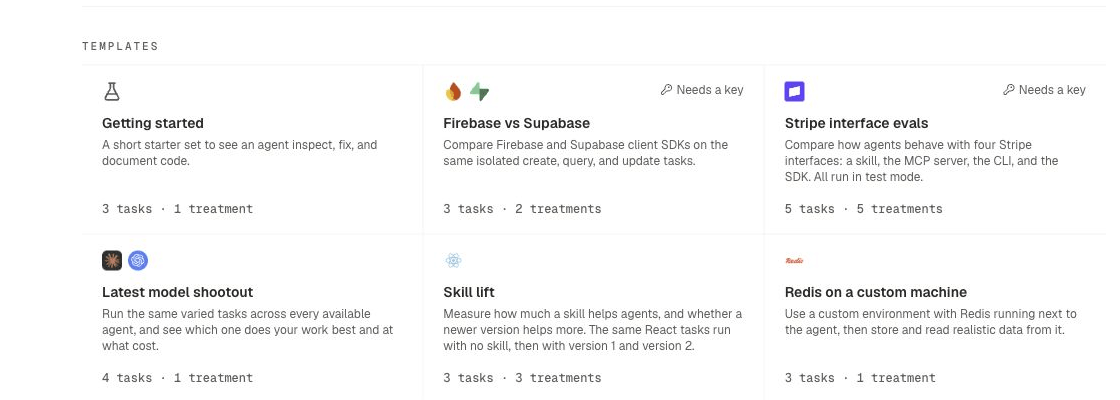
Available templates
After the template
Templates follow the same attachment model as any experiment. See Core concepts. See How experiments work and Launch options.Related pages
Quickstart
End-to-end first experiment.
Clone experiment
Reuse a finished experiment as a new draft.
Assets
Skills, MCP servers, CLIs, and SDKs.
Supported agents
Agents available for shootouts.