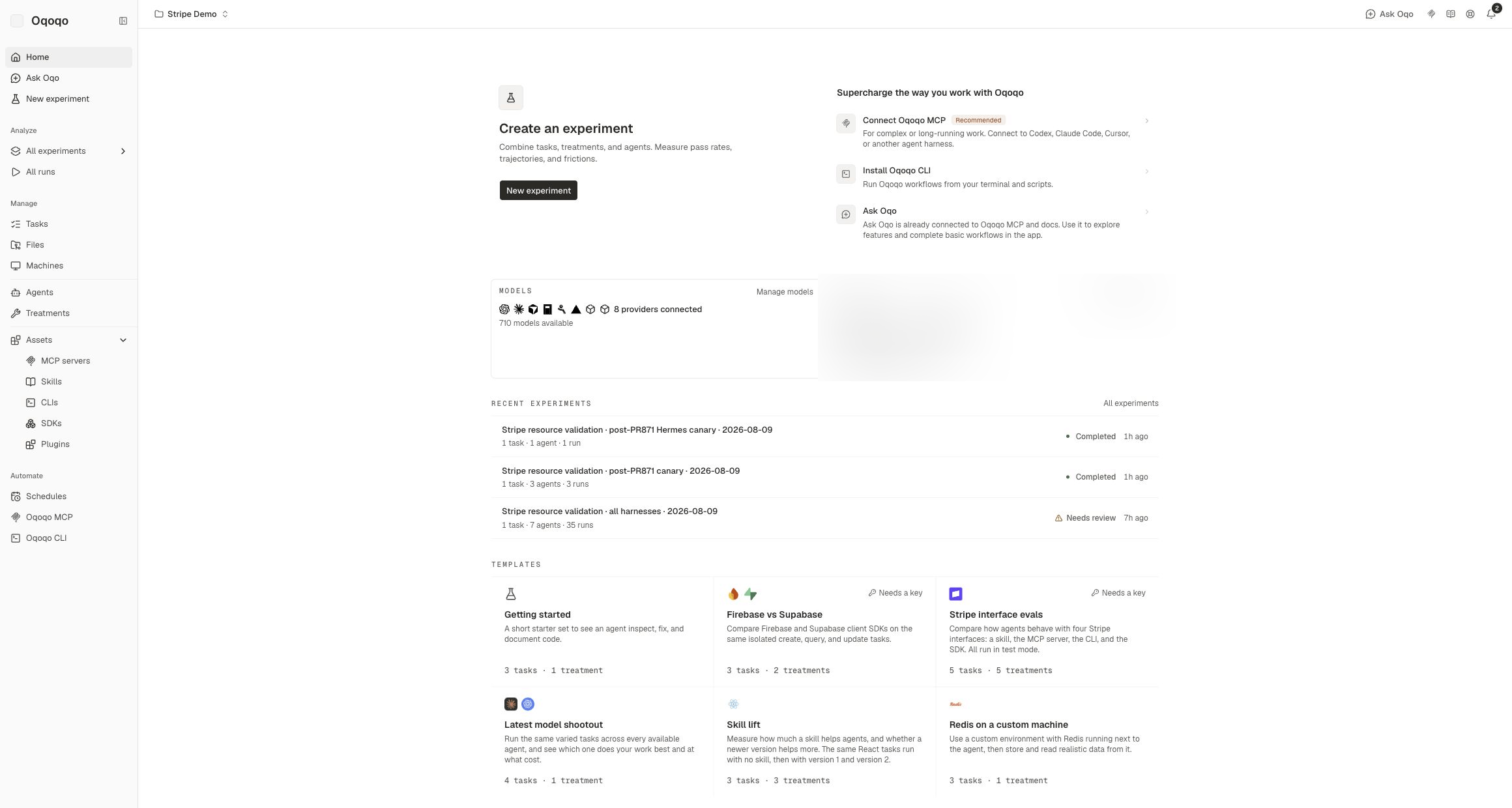
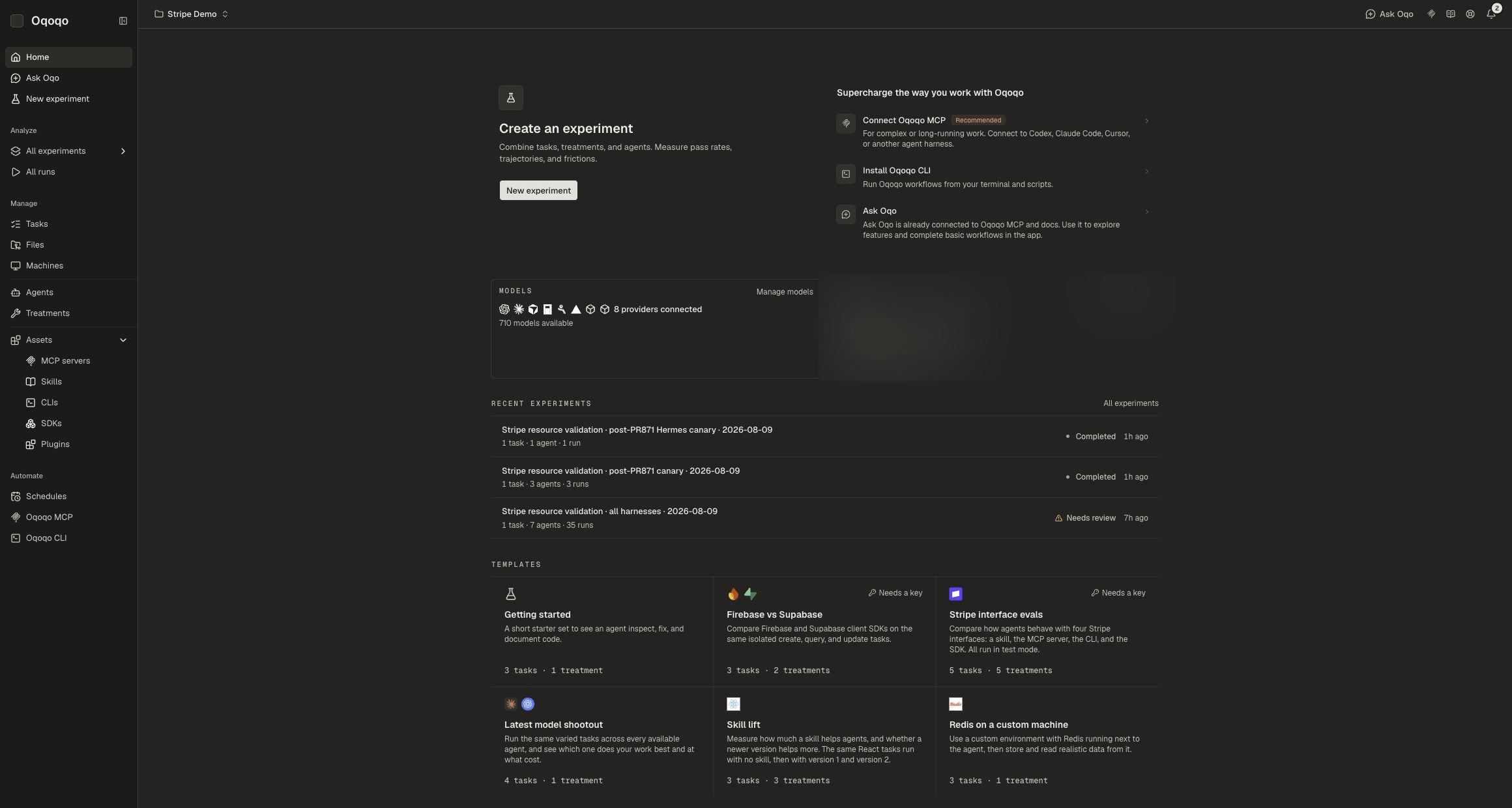
Agents are becoming software’s primary user. The tools, APIs, CLIs, and workflows you ship increasingly need to work for an agent first — and yet most teams have no systematic way to test that. Oqoqo is the experimentation platform built for that problem: define a workflow once, run it across agents, models, and treatments, and measure the effect of every change with full trace capture and structured evaluation.

What Oqoqo does

Oqoqo gives you a tight loop between definition, execution, and measurement:
  1. Define — write a natural-language task, attach a rubric, choose your agents and treatments, and pin your library and environment. Everything you’d otherwise vary by hand is held constant or explicitly varied.
  2. Run — Oqoqo spins up clean, isolated sandboxes and executes each trial in parallel. Agents interact with the same setup every time, so results are comparable across runs.
  3. Capture — every trial produces a full trajectory: tool calls, bash commands, file reads, errors, token counts, reasoning steps, and the exact point where the agent stalled or recovered.
  4. Measure — compare success rates, latency, token spend, tool-call patterns, and friction points across agents, models, and treatments. Eval outcomes are scored against your rubric automatically.
  5. Feed back — use the results to improve your agent-facing interface or workflow, then rerun on demand, on a schedule, or as a CI/CD gate.

Who it’s for

Teams building products that agents use. If you ship an SDK, API, CLI, or MCP server that agents interact with, Oqoqo lets you measure how efficiently agents navigate it — and whether changes improve or regress that experience before you deploy. Teams running agent workflows at scale. If you use agents to do real work — refactoring, data extraction, content generation, browser automation — Oqoqo turns those workflows into repeatable experiments you can benchmark, compare, and improve systematically. Teams that need CI/CD integration for agent quality. If your product evolves frequently, Oqoqo’s scheduling and CI/CD integration let you catch the moment a model update, a dependency bump, or a product change starts breaking agent workflows.

What you can test

Oqoqo supports any surface an agent would touch. Current coverage includes SDKs, REST APIs, CLIs, MCP servers, and agent skills. You can run experiments across different agents (Claude Code, Codex, and more), different models and effort levels, and different treatments (Baseline, + skill, + MCP) within the same experiment.

Agent Evals

Turn real workflows into repeatable evals across agents, models, and treatments in production-like environments.

CI/CD Gating

Block pull requests that break agent workflows, not just unit tests.

Interface Testing

Improve the token, latency, and path efficiency of your MCP servers, skills, CLIs, SDKs, and APIs before agents use them.

Drift Detection

Rerun the same workflows on a schedule as models, dependencies, and your product change.

How it works

Every Oqoqo experiment moves through four stages: 01 — Input. You supply everything that stays constant: the task instruction, an optional rubric, the library of repos and data fixtures, and the target environment (local or cloud). This is what you’re holding still so the variables you care about can move. 02 — Sandbox. Oqoqo instantiates a clean, isolated environment for each trial and hands it to the agent. You choose which agents run (at what model and effort level), which treatments to apply (Baseline, + skill, + MCP), and how many parallel trials to execute. A reasoning hook captures the agent’s “why” at each decision point throughout the run. 03 — Output. Every trial produces a complete record: full traces, quantitative metrics (steps, tokens, cost, duration, tool calls), the final output or answer, a diff of files changed, friction points where the agent stalled or retried, and a pass/fail eval outcome against your rubric. 04 — Analyze. Review results in the Traces, Output, and Evals tabs. Ask questions grounded in the trace using the built-in chat agent, or export the data and pull it into your own tooling via the API.
You get up to 100 runs for free. No credit card required to start.