

What you can do
- Measure how well agents use your product
- Build custom benchmarks from your own task sets
- Compare agents and models for your use cases
- Find frictions in interfaces and token waste
- Work from the dashboard, Ask Oqo, MCP, or the CLI
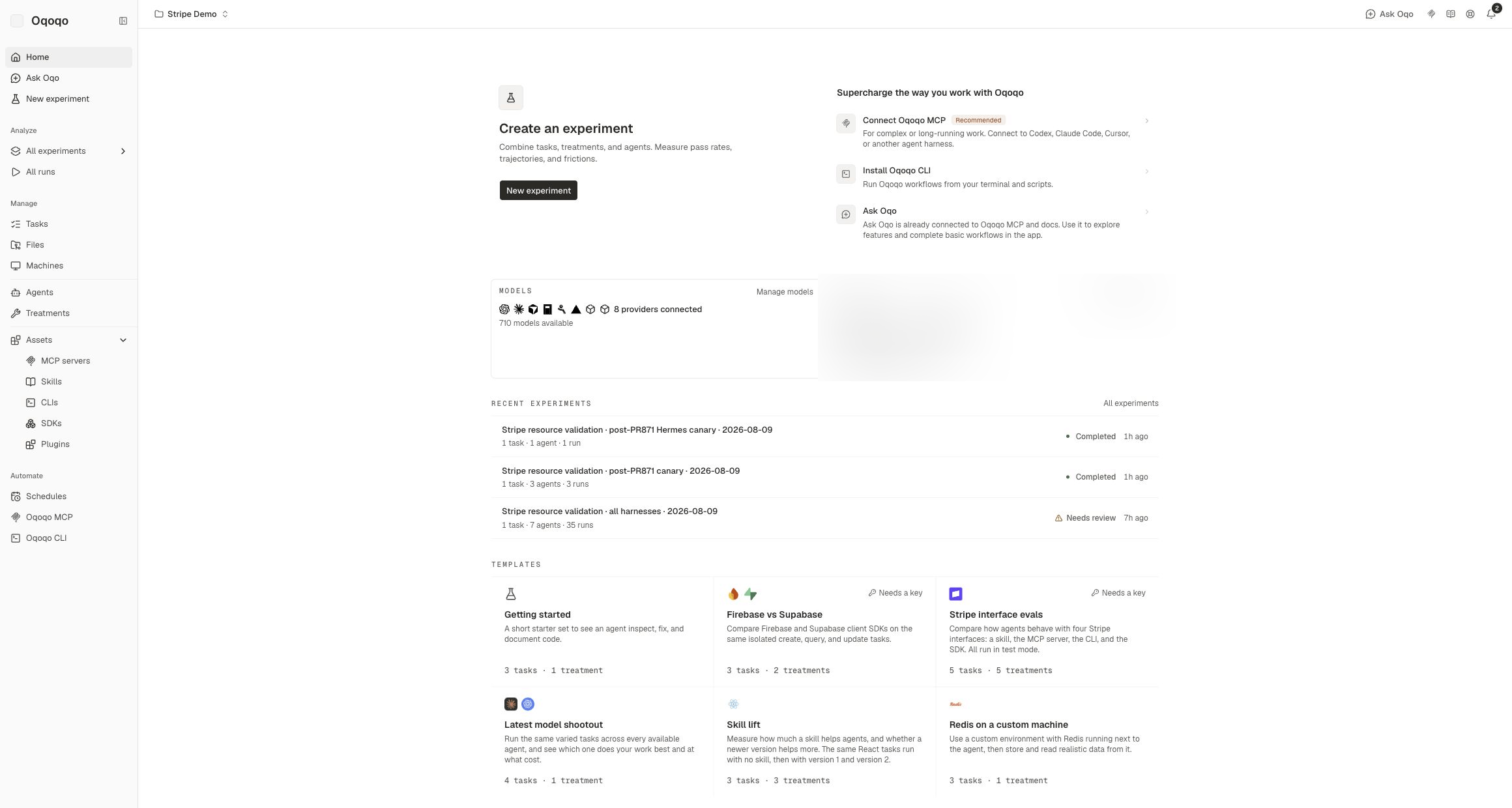
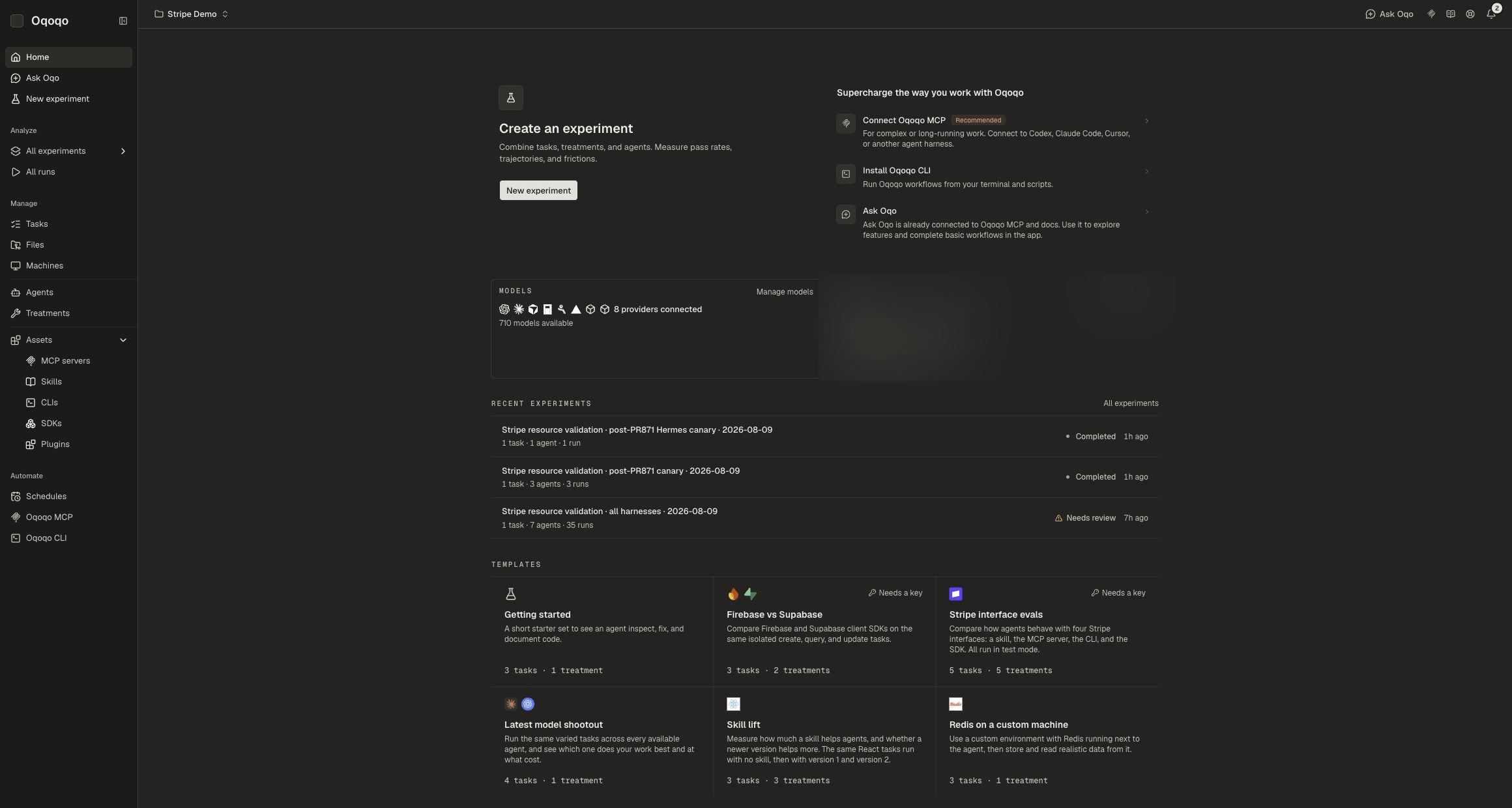
Main terms
See Core concepts for the attachment model. See the Glossary for full definitions.
Ways to work
MCP, CLI, and Ask Oqo share the same product capabilities. Secrets stay in the dashboard.
Basic workflow
1
Set up
Connect model providers. Enable agents. Assign Oqoqo AI features.
2
Define
Write a task and rubric. Attach files and a machine to the task. Attach skills or tools to treatments.
3
Launch
Choose agents, treatments, and trials. Oqoqo runs each combination in the cloud.
4
Measure
Read Matrix, Frictions, and run detail. Fix the interface or product. Launch again.
Next steps
Quickstart
Launch your first experiment.
Supported agents
See which agents run today.
Model providers
Connect keys, gateways, and subscriptions.
Connect with MCP
Install the plugin, then let your coding agent operate Oqoqo.
Organizations start on the free plan, which resets runs each month. No credit card is required. See Pricing for current plan details. Subscribe or top up from Organization settings → Usage & billing.