

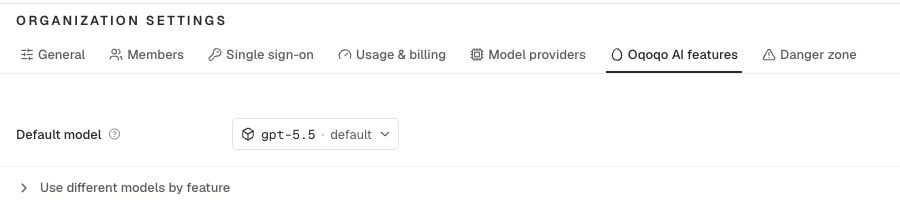
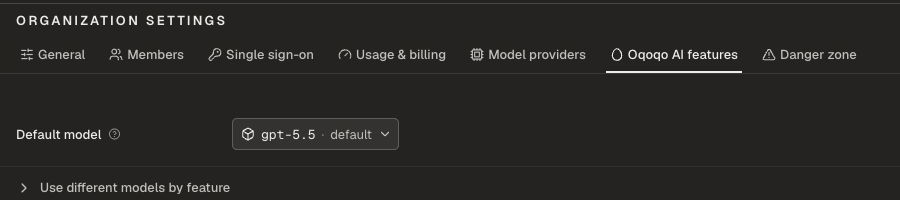
Roles
Prerequisites
- Add a compatible provider under Organization settings → Model providers, or connect a supported personal Integration under Profile → Integrations. See Model providers.
- Assign a model to each role you plan to use.
- Connect your account under Profile → Integrations if a selected model uses a personal subscription.
- For Ask Oqo, authorize project access when prompted.
Ask Oqo
Ask Oqo is the in-app assistant. It helps you inspect experiments, explain Matrix and Frictions, draft small plans, and find the right dashboard screen. See the full guide: Ask Oqo.Rubric generation
On a task rubric, choose Generate or Regenerate to draft pass or fail requirements from the task instructions. Review every draft. Edit the requirements until they match what “done” means for your product. Rubric generation does not save until you accept the draft. See Tasks and rubrics.Run evals
Run evals use a judge model to mark each rubric requirement pass or fail and explain why.- Turn Evals on at launch
- Or trigger / re-trigger Evals later on saved recorded work
Run insights and Experiment insights
Insights analyze traces and output.- Run insights finds frictions in each run
- Experiment insights combines those findings into one experiment read
Launch overrides
At launch, you can confirm or override the models used for Run evals and Insights for that experiment. Organization defaults remain the baseline for Ask Oqo and Rubric generation.Related pages
Ask Oqo
Use the in-app assistant.
Evals and Insights
How scoring and friction analysis work.
Model providers
Connect the models these roles use.
Billing
Runs cover platform work. Model inference is separate.