

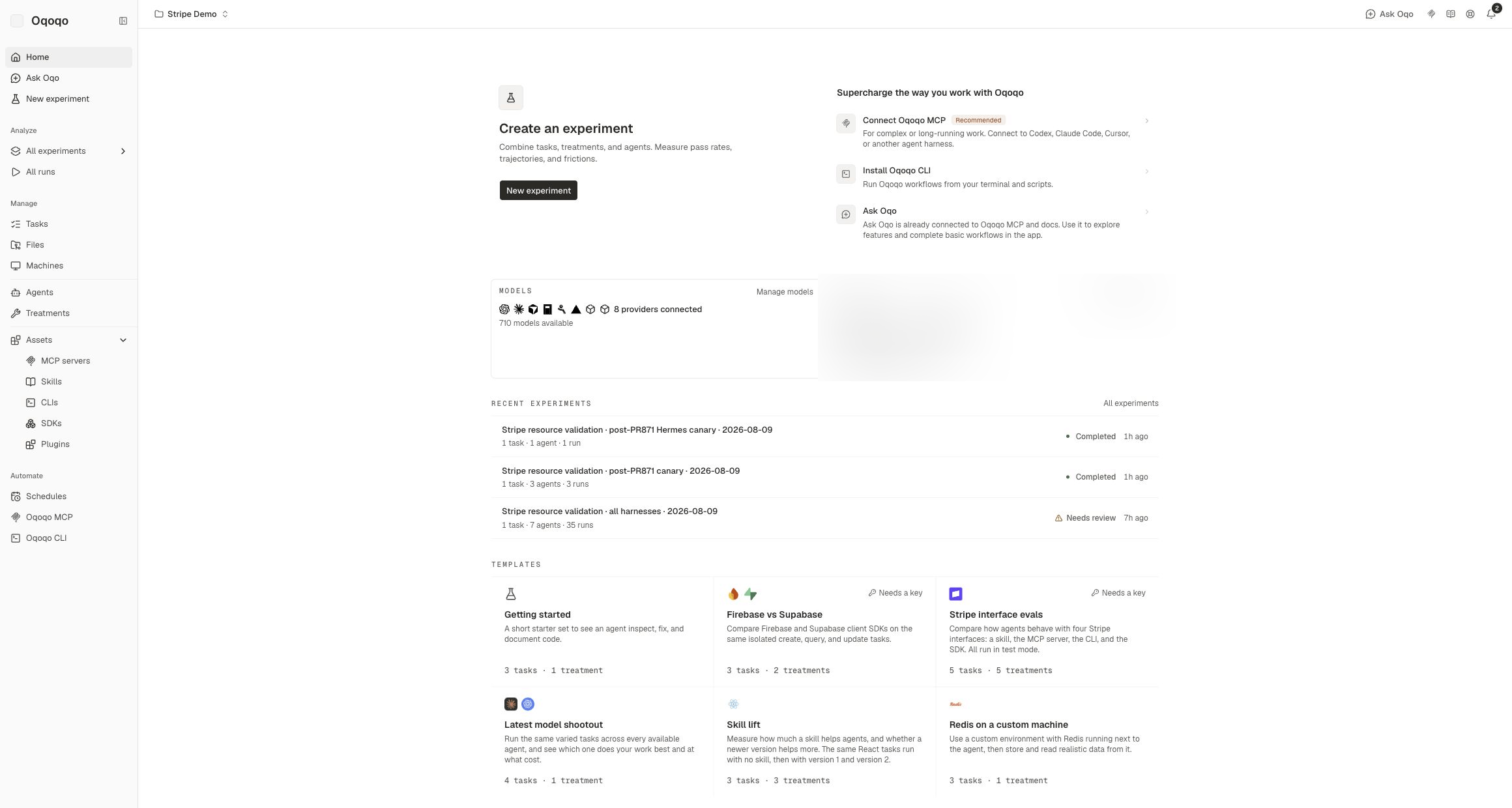
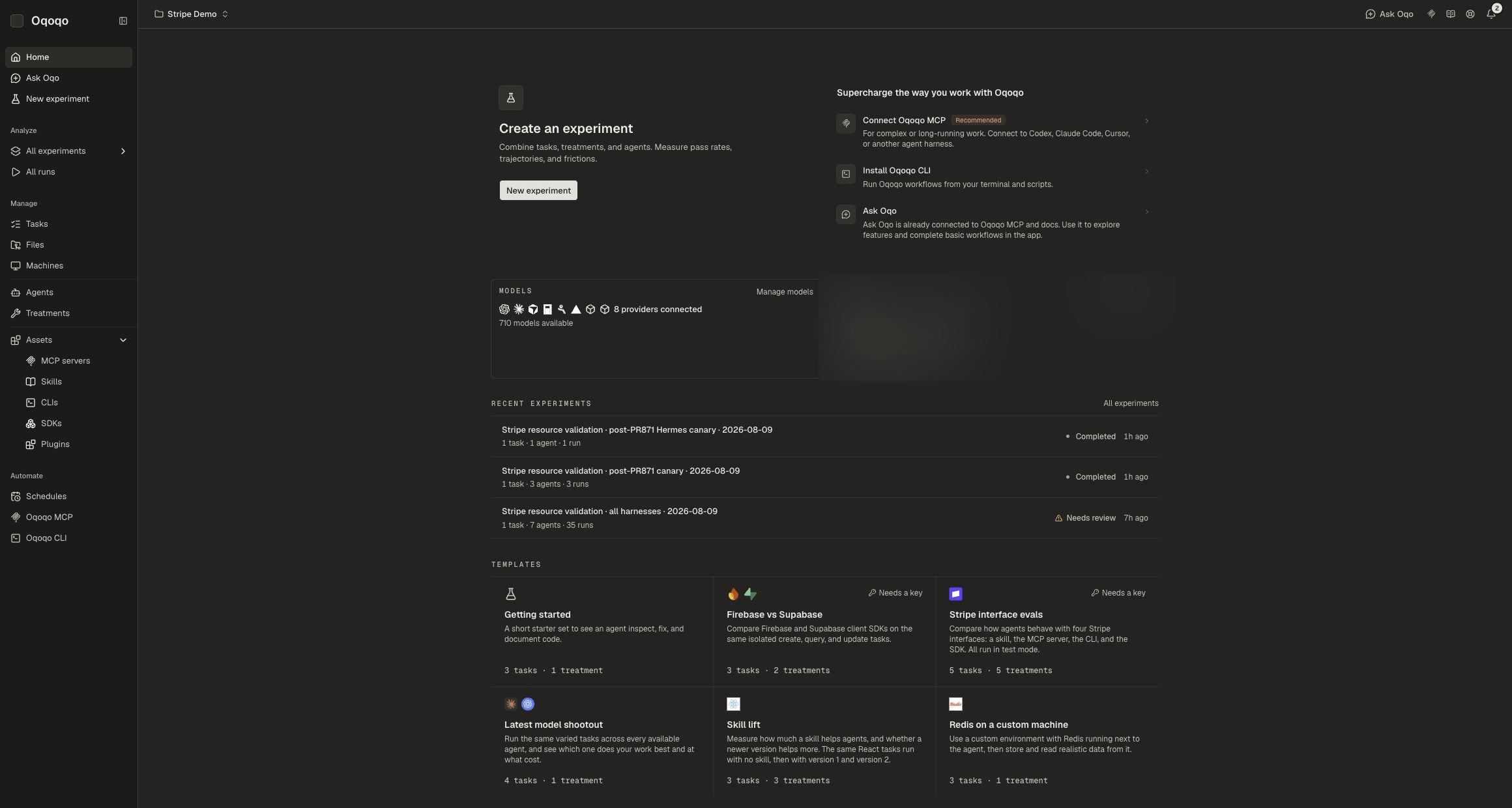
Create a project
- Open the project switcher in the dashboard header.
- Select New project.
- Name the project and create it.
Switch projects
Open the project switcher and select the project you want. Ask Oqo, catalog pages, and experiments follow the selected project.Rename a project
- Open the project switcher.
- Open the edit control on the project row.
- Choose Rename project.
Delete a project
- Open the project switcher.
- Open the edit control on the project row.
- Choose Delete project.
- Confirm. Deletion permanently removes the project and everything inside it.
CLI
Related pages
Organization setup
Shared org settings across projects.
Profile
Personal settings and Integrations.
CLI
Manage projects from the terminal.
Quickstart
Launch work inside a project.