

Available today
For each agent, choose a model and an effort level where the model supports it. Effort can include none, minimal, low, medium, high, xhigh, max, and ultra. Agent and model versions are pinned for each run.
Cursor needs a Cursor API key from a paid Cursor plan. A key from a free Hobby plan cannot run experiments.
Grok Build uses xAI models only. Connect an xAI API key. Other providers do not enable this agent.
Qwen Code uses organization API keys from compatible providers. Alibaba Model Studio is listed first. An xAI API key also works. Qwen Code does not use Cursor keys, GitHub Copilot, ChatGPT Subscription, Claude Subscription, or Nous Portal.
Alibaba Model Studio needs a pay-as-you-go API key. Coding Plan and Token Plan endpoints cannot run experiments.
Antigravity uses Gemini models only. Connect a Google Gemini API key. Other providers do not enable this agent.
On the way
More agents are on the way.Custom agents
Connect custom agent appears in the product today and is marked Coming soon. When it ships, you will register your own harness and run it through the same experiment, Matrix, and Insights workflow.How to enable an agent
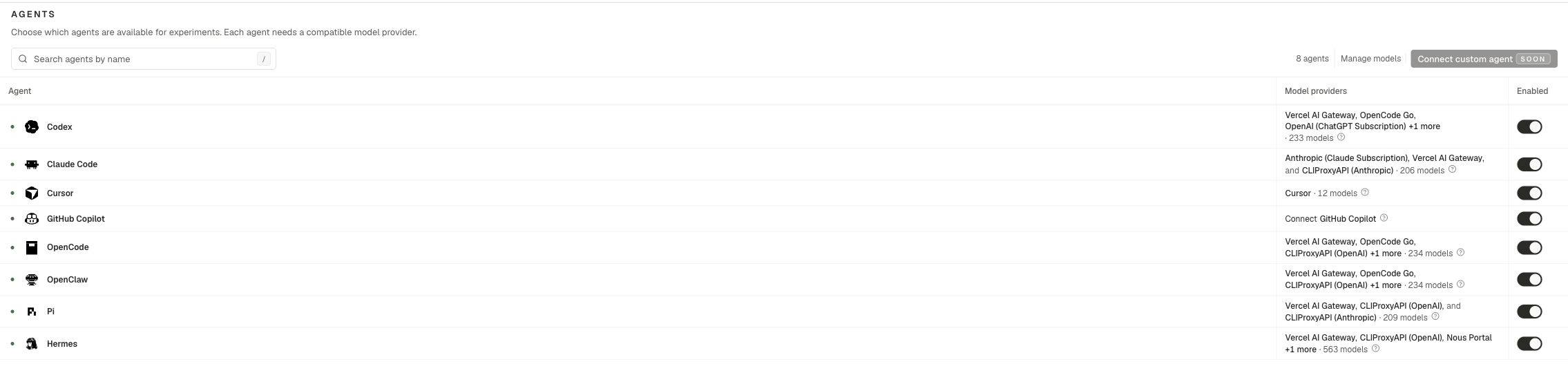
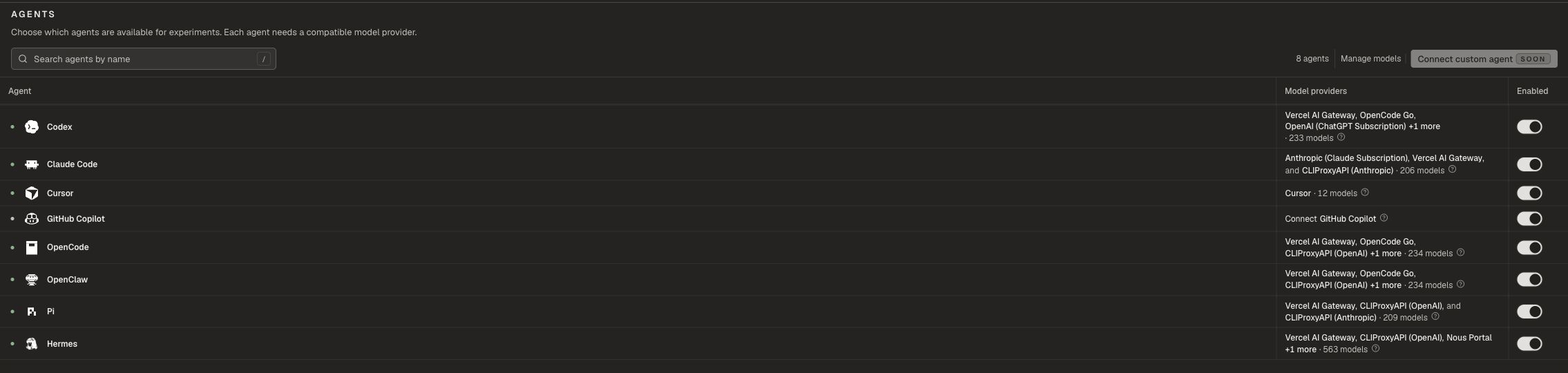
- Supply models for the agent. Use an organization provider under Organization settings → Model providers, or a personal Integration under Profile → Integrations.
- Open Manage → Agents and enable the agent.
- At launch, choose the agent, model, and effort.
There is no Project settings page. Manage → Agents owns enablement for the project.
Personal Integrations
Related pages
Model providers
Keys, gateways, and subscriptions.
Launch options
Choose agents when you launch.
Profile
Connect personal Integrations.
MCP
Let your coding agent operate Oqoqo.