

Turn on Evals
1
Connect a model provider
Add a model provider under Organization settings → Model providers or Profile → Integrations.
2
Assign an Evals model
Set your Evals model under Organization settings → Oqoqo AI defaults.
3
Enable Evals on an experiment
Keep Evals toggled on when you launch, or select Run evals on a finished experiment.
Read the verdicts
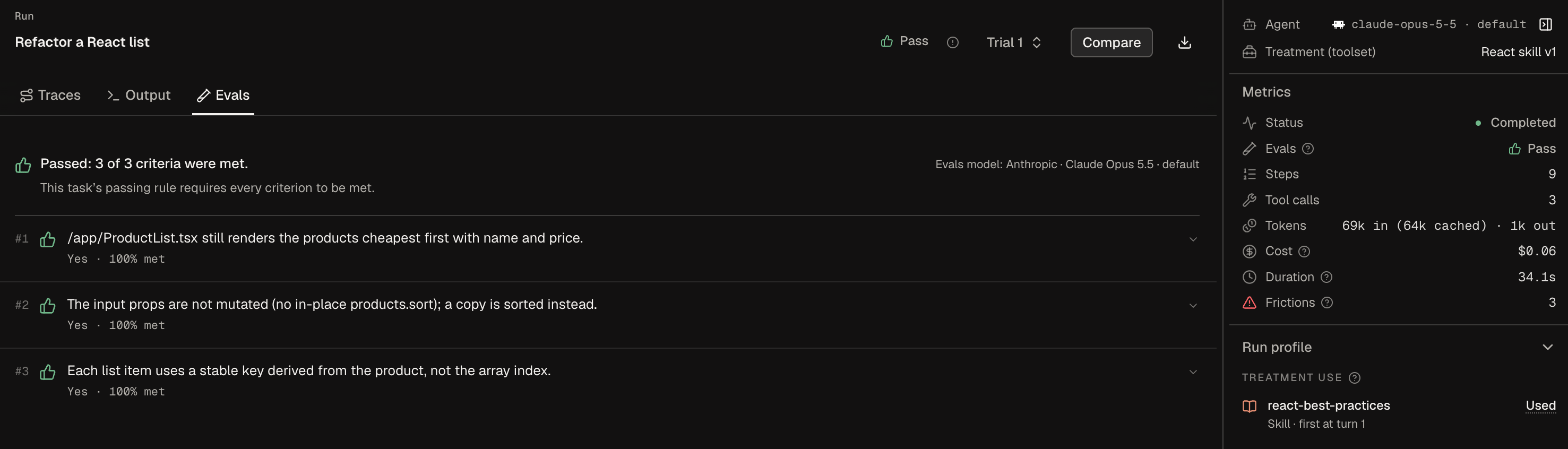
Open any run and select Evals to see its overall verdict, passed criterion count, and the Evals model that graded it. Expand any criterion to read the model’s reasoning.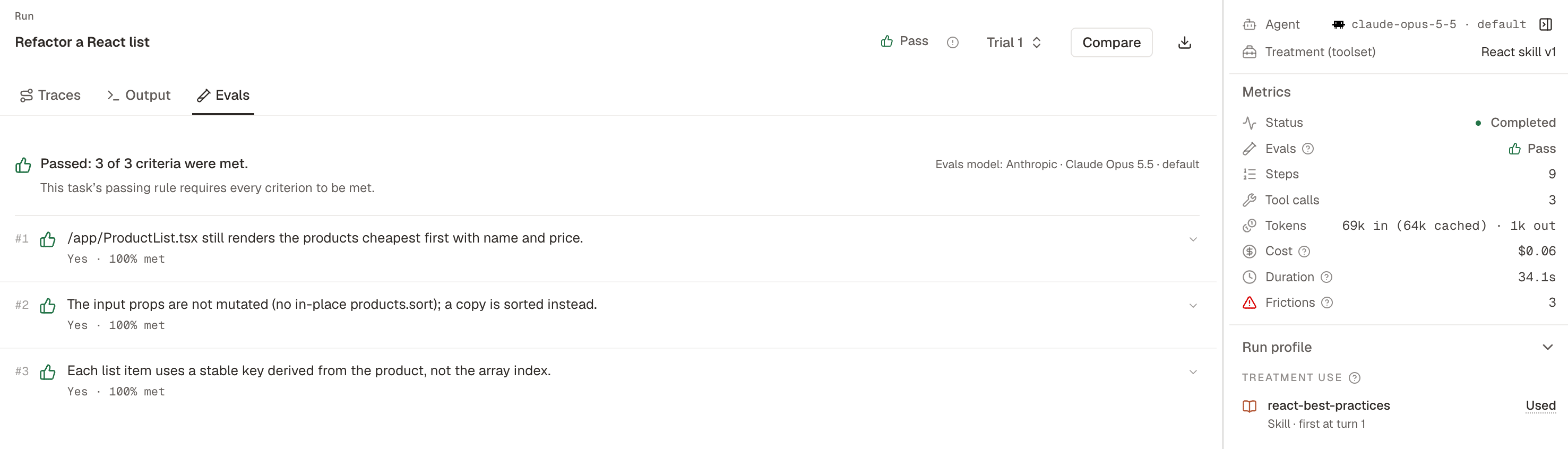
Choose a mode
By default, Evals run in Standard mode (one low-cost pass per run). If your organization has enabled Agent mode (private beta), you can switch to Agent at launch or when rerunning so Oqoqo’s evals agent inspects full runs and verifies claims before grading. See Agent mode for cost, speed, and model requirements.What Evals read
Your Evals model inspects the task rubric, recorded trajectory steps, and changed workspace files. When a run exceeds the model’s context window in Standard mode, a coverage note on the Evals tab (and in Compare) reports what was condensed or omitted—such as summarized step ranges, shortened long steps, truncated changed files, or traces exceeding the 32 MB storage limit. No coverage note means the model read the entire run (older runs created before coverage tracking show no note regardless). If a run still cannot fit after condensing, Evals fail for that run without creating a friction—select an Evals model with a larger context window and rerun Evals.Which models ran
Each Evals attempt records the exact provider, model, and effort it used (such as OpenAI · GPT-5.4 · high), so later changes under Oqoqo AI defaults never alter historical attributions. You can see the model on each run’s Evals tab, the attempt selector on Matrix, the experiment info popover, public experiment links, CLI and plugin reads, and theevals dataset in oqoqo data query. Older attempts predating model tracking display Not recorded.
Pending verdicts
Evals grade each run as soon as it finishes; Rerun evals clears old verdicts and displays Evals pending until new scores arrive. In the CLI and plugin,oqoqo evals get reports per-run status (queued, running, completed, skipped, failed) and oqoqo results analyze tracks pendingRuns separately from inconclusive runs.
Run Evals again
Rerunning Evals regrades existing recorded work without re-executing agents—ideal after editing a task’s rubric or switching to a stronger Evals model. (If you changed the task prompt, files, or machine, launch a new experiment instead.) When Evals finish, Oqoqo automatically updates the experiment’s Brief if Insights ran.- Dashboard
- CLI
- Plugin (MCP)
Open the experiment and select Rerun evals (or Run evals), optionally picking a different Evals model or mode for that attempt.
From the CLI and the plugin
Next steps
Insights
Analyze trajectories to surface frictions.
Agent mode
Let Oqoqo’s evals agent verify claims across full runs.
Read results
Read pass rates and lift on Matrix.
oqoqo evals and insights
Full CLI reference for Evals commands.