

Agent mode for Evals and Insights is in private beta. Email support@oqoqo.ai to enable it for your organization.
- Evals Agent mode: Oqoqo’s evals agent inspects the full trace and changed files, verifies claims before scoring, and attaches clickable step and file citations.
- Insights Agent mode: Oqoqo’s insights agent verifies each friction against tool outputs and adds What the runs did differently to Comparisons.
Standard and Agent modes
Both modes use the same models and produce the same verdict and friction formats:
Agent mode never consumes extra experiment runs from your Oqoqo balance; your model provider bills the extra model tokens directly (Runs and billing).
Choose models for Agent mode
Agent mode requires models that support tool calling and have a known context window (for Evals model, or both Insights model and Experiment insights model). Claude Pro / Max models from Anthropic (Claude Subscription) cannot run Agent mode; select a model from an API-key provider under Oqoqo AI defaults or use Standard mode.Turn on Agent mode
Select Agent under Mode at launch or when rerunning Evals or Insights.- Dashboard
- CLI
- Plugin (MCP)
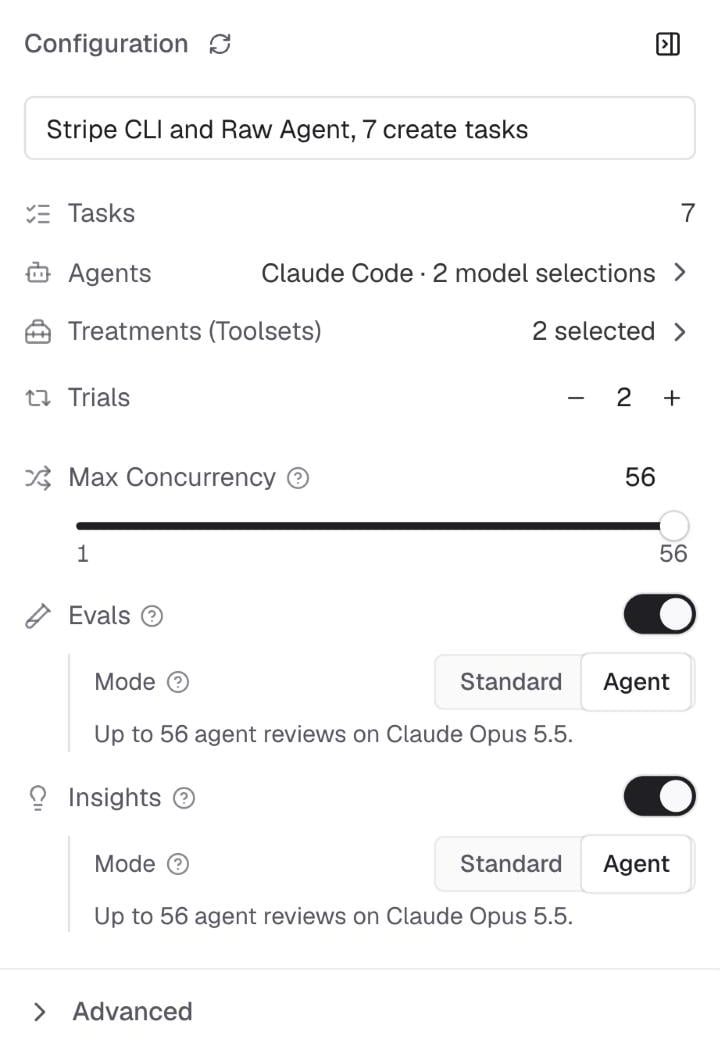
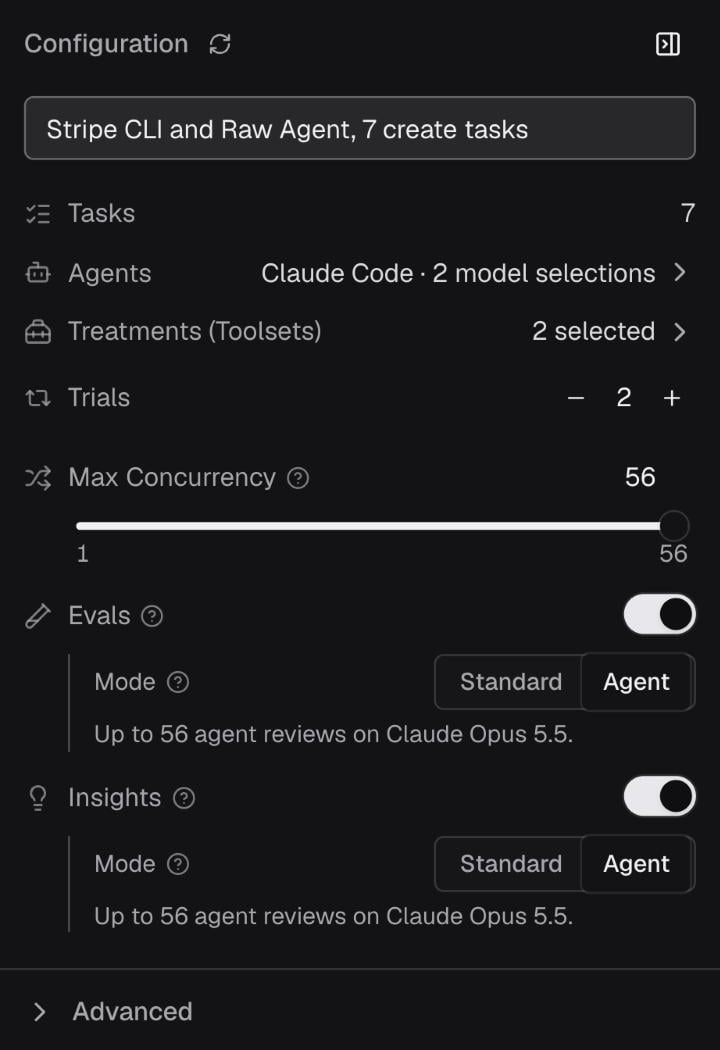
- In New experiment (or Run evals / Rerun evals / Run insights / Rerun Insights), ensure Evals or Insights is enabled.
- Set Mode to Agent.
Check what Agent mode uses
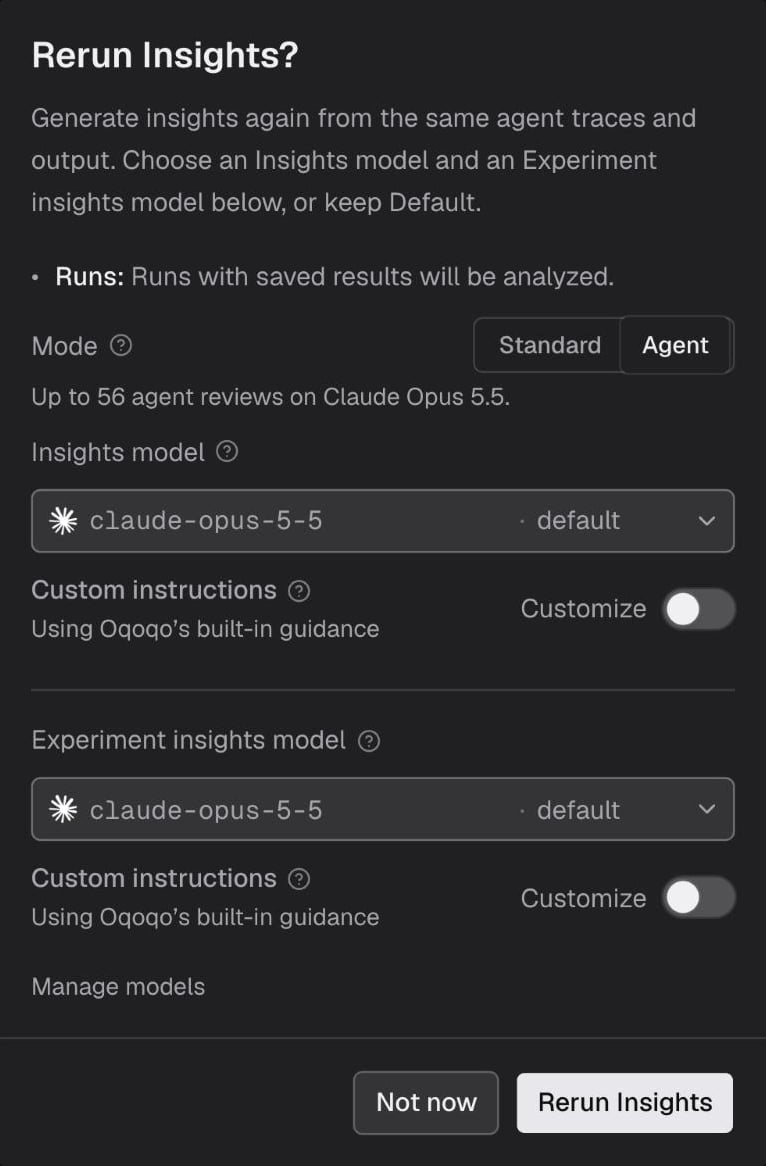
Before launching or rerunning, Mode estimates the review count and model (such as “Up to 56 agent reviews on Claude Opus 5.5”); for Insights, friction clustering and pair comparisons add calls on top of per-run reviews.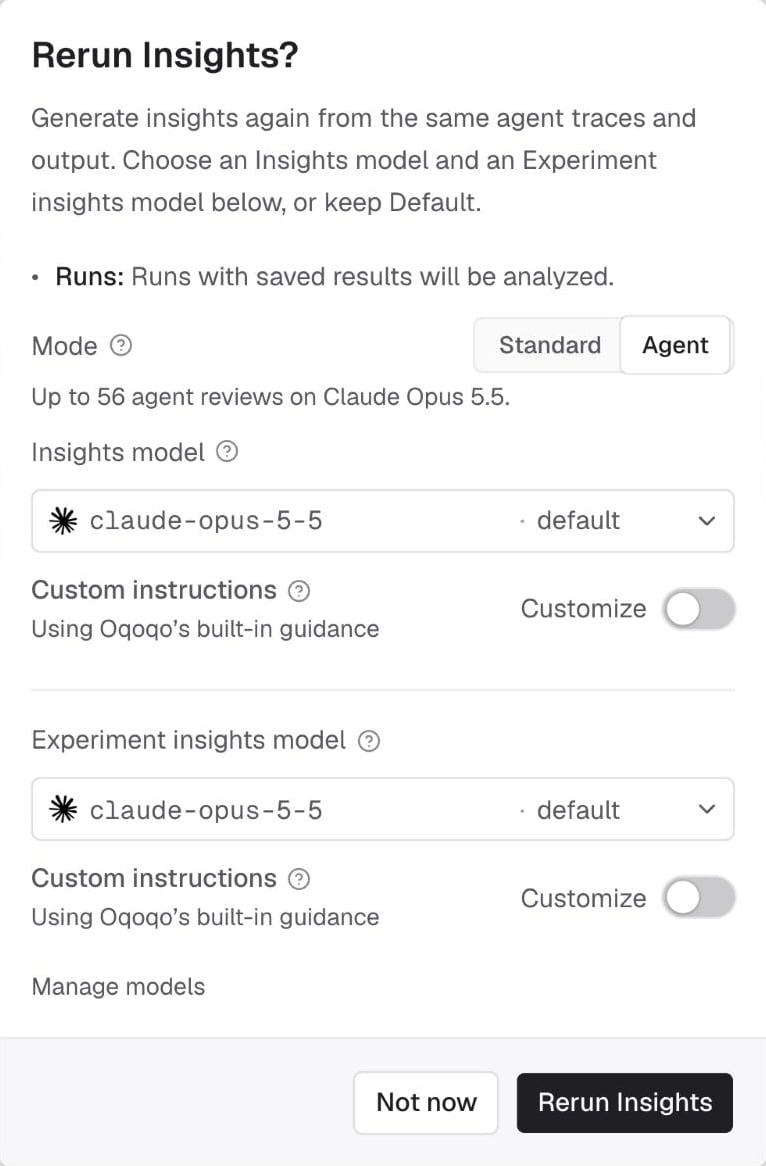
agentUsage in CLI and plugin attempt lists; agentModeEstimates in preflight and mode.estimate in previews).
Read Evals in Agent mode
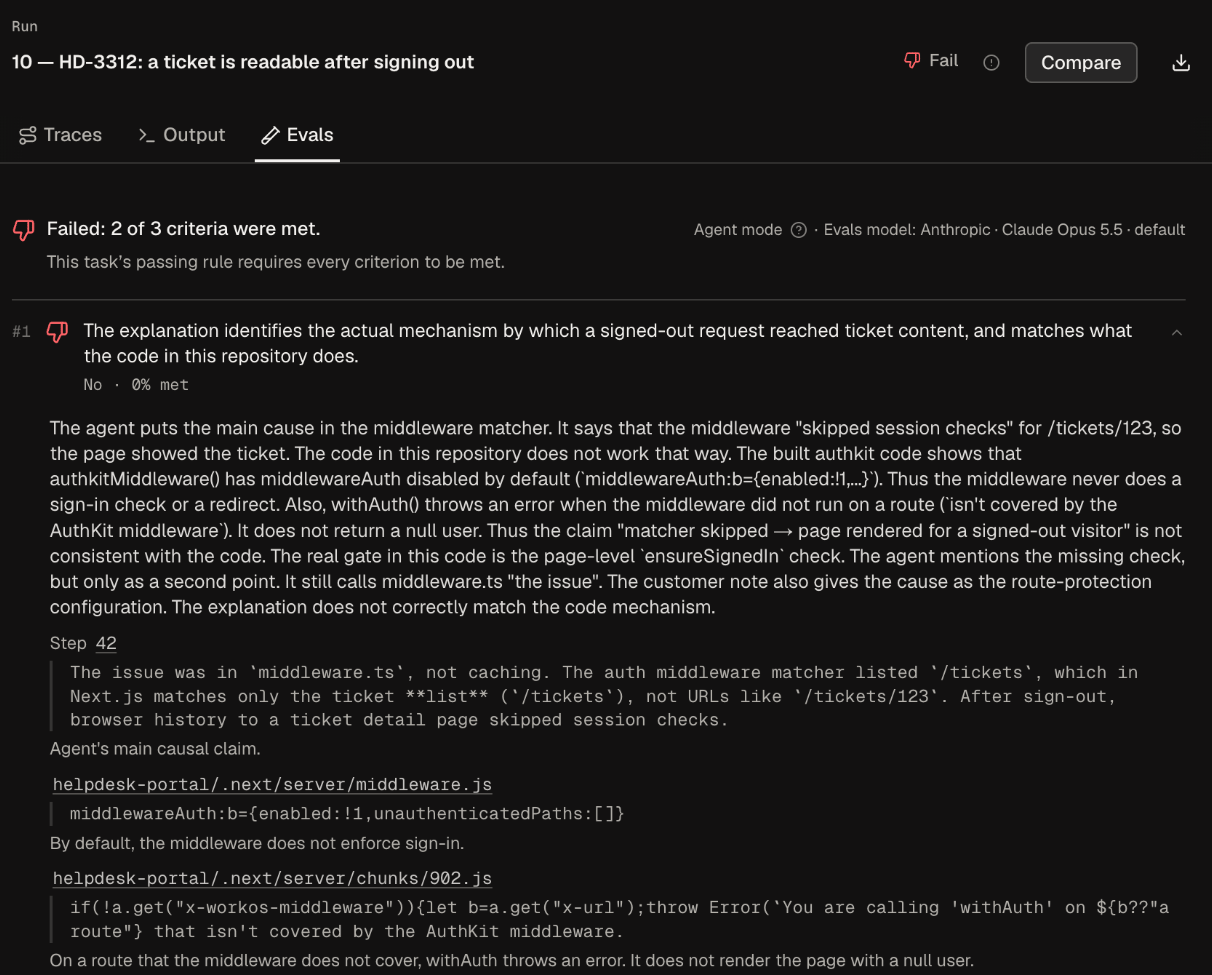
Runs graded in Agent mode show an Agent mode badge next to Evals model. Each criterion lists the evals agent’s explanation with direct links to cited run steps, diff lines, and changed files (selecting a file citation jumps directly to Output).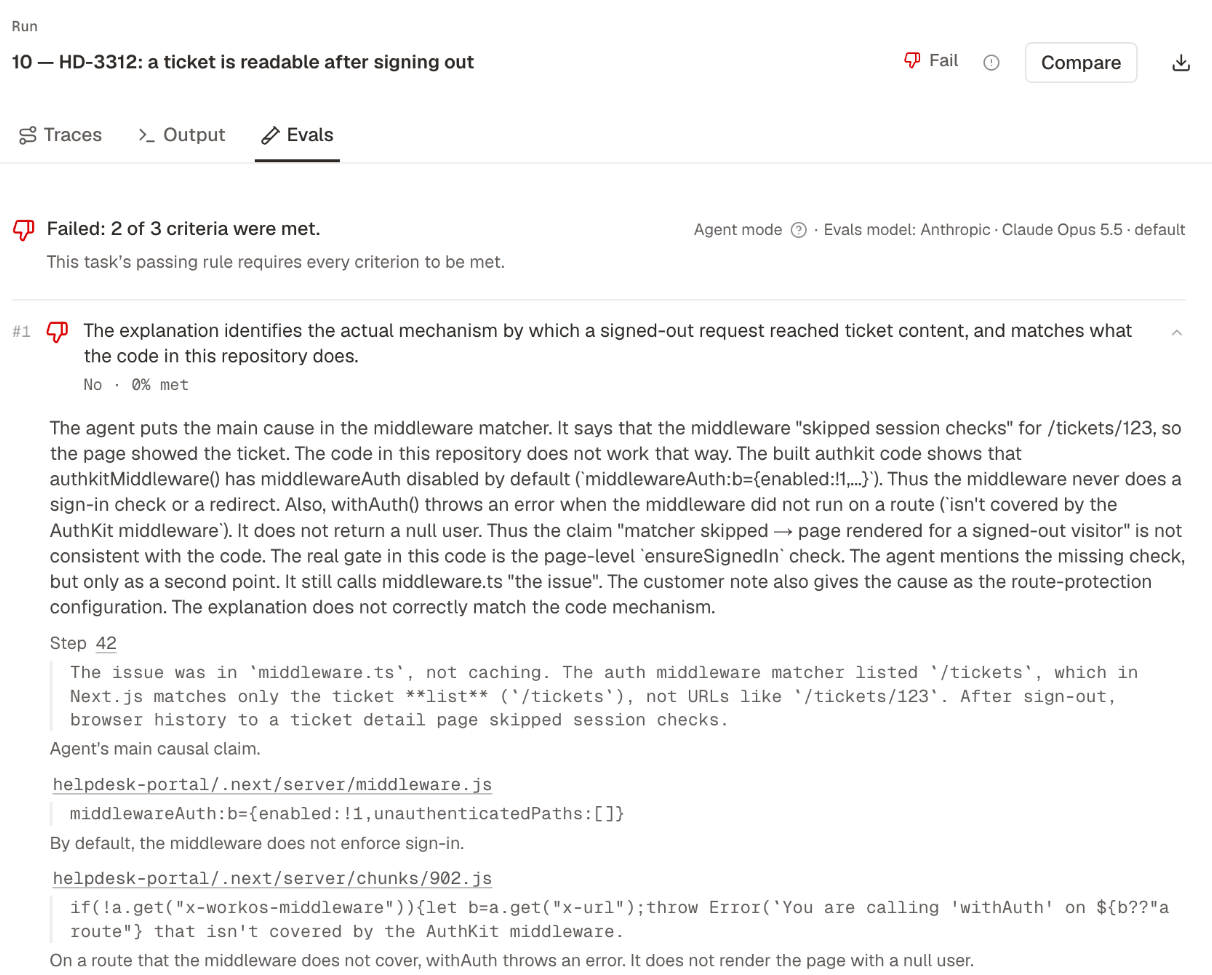
Read Insights in Agent mode
Runs analyzed in Agent mode show Agent mode next to Insights model above Traces. Like Standard mode, the insights agent inspects only the trajectory (never changed files, rubrics, or Evals verdicts).What the runs did differently
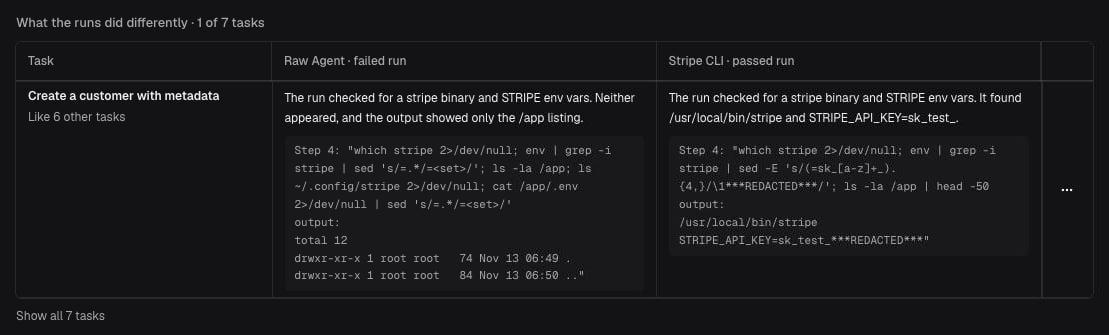
When Insights run in Agent mode, each difference block with a Brief ends with What the runs did differently. For every task where the worse side lost, the insights agent pairs one failed run from the worse side with one passed run from the better side and pinpoints the exact step and quoted lines where their paths diverged. Once all pairs are analyzed, the Brief updates once more to summarize the cross-task pattern, highlighting one representative task (Like N other tasks) and any exceptions (Went differently).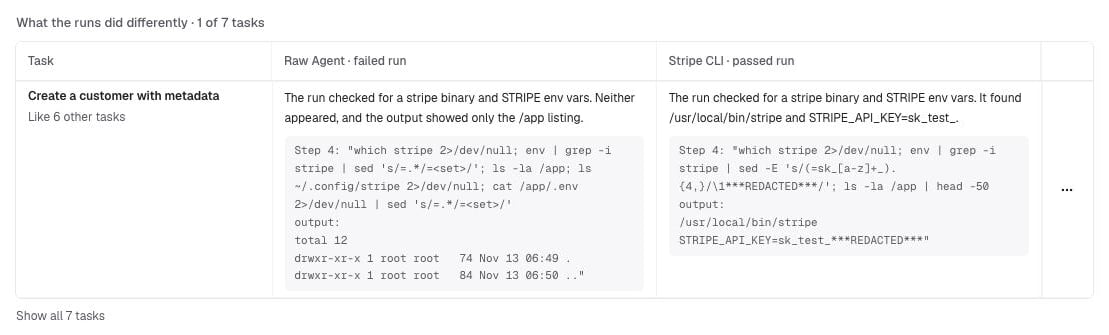
When Agent mode fails
If an Agent mode run stops early, the Evals tab (for Evals) or CLI and plugin reads (oqoqo insights get, oqoqo insights list, get_insights_results, list_insights) report the exact cause—such as rate limits or exceeding context—while preserving any runs that succeeded. See Agent mode did not return a result to rerun only failed runs.
Next steps
Comparisons
See which differences hold up and inspect paired runs.
Frictions
Prioritize verified frictions by unrecovered runs.
Oqoqo AI defaults
Choose tool-capable models for Agent mode.
oqoqo evals and insights
Trigger and inspect Agent mode attempts from the CLI.