Evaluate agent interfaces
Test skills, MCP servers, CLIs, and SDKs against a baseline. Keep files and machines on the task. Attach the interface to a treatment. Read lift on Matrix and remaining blockers on Frictions. See Assets and Treatments.Build custom benchmarks
Define the tasks that matter for your product. Version the rubrics with the experiments. Run the same set across agents and models over time. See Tasks and rubrics.Compare agents and models
Enable the agents you care about. Available today: Claude Code, Codex, Cursor, GitHub Copilot, OpenCode, Grok Build, Qwen Code, OpenClaw, Pi, Hermes, and Antigravity. Launch the same tasks and treatments across agents, models, and effort levels. Use Matrix to see pass rate, tokens, cost, and duration together. See Supported agents.Catch regressions before release
Keep a fixed task set. Launch after product or interface changes. Watch pass rate and frictions move before customers feel the change. See Reading results.Find model and dependency drift
Rerun the same custom benchmark when models, packages, or docs change. Frictions show where behavior shifted. See Frictions.Choose models for cost and quality
Compare models and effort levels on the same work. Look at pass rate next to tokens, cost, and duration on Matrix. Model inference stays on your providers. See Billing.Operate from your coding agent
Use MCP or the CLI so everyday eval work stays in the agent session. Use the dashboard for Matrix, Frictions, and secrets. Use Ask Oqo inside the app.Start from a template
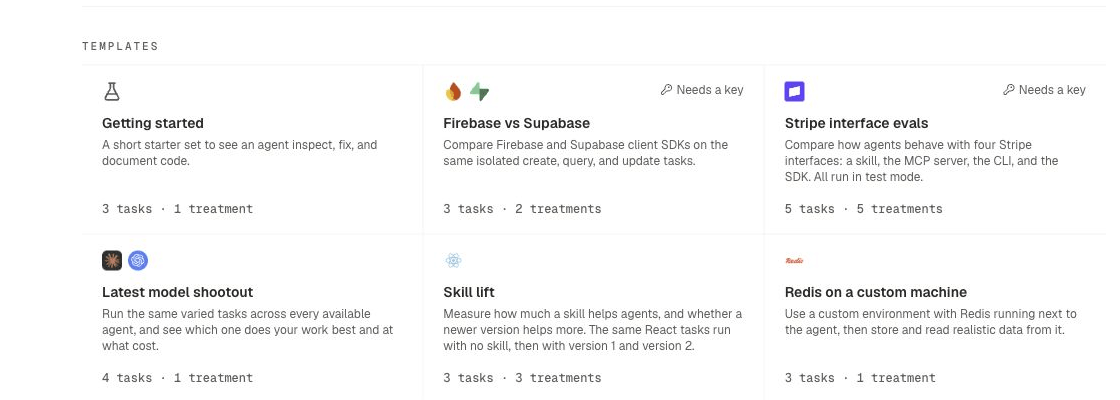
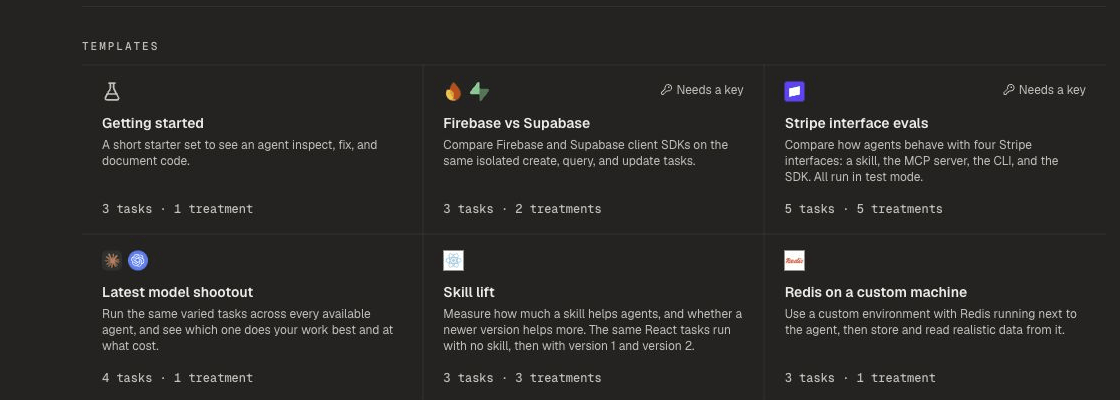
Use Home templates for Getting started, Stripe interface evals, model shootouts, skill lift, and custom-machine work. Clone finished experiments when you want to rerun with small changes.