Writing a task
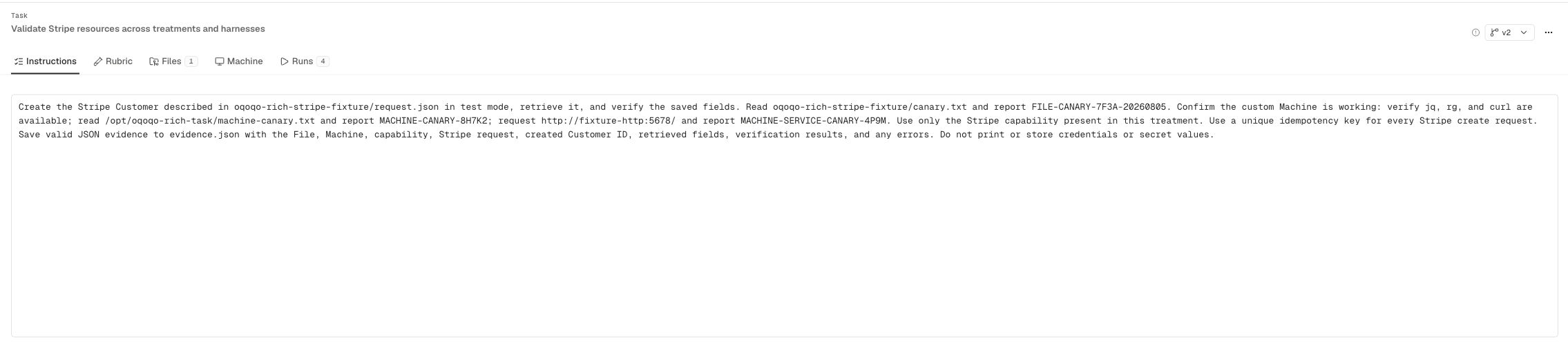
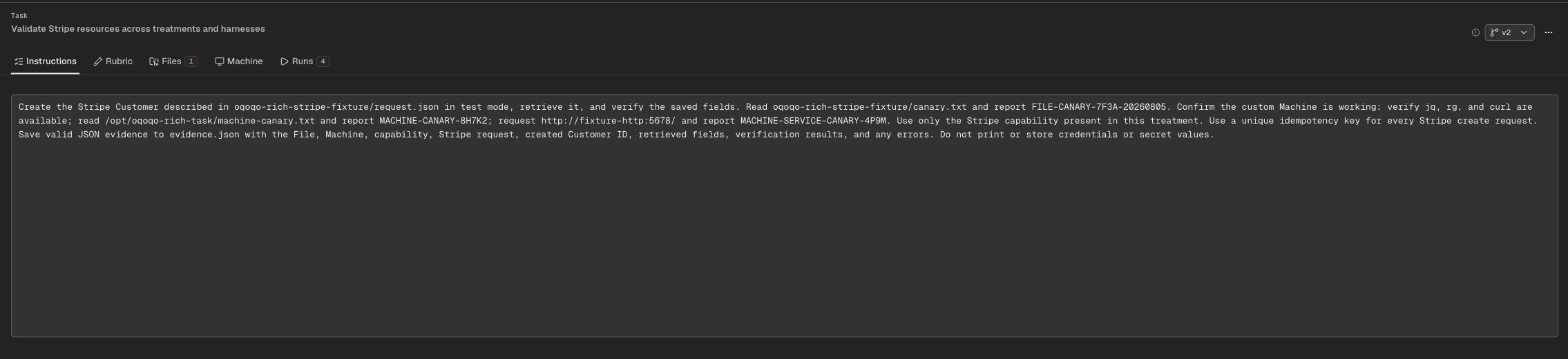
The task is a natural-language instruction that the agent receives at the start of every trial. Write it the way you’d brief a capable engineer: be specific about what you want done, describe the expected output format, and include any constraints the agent needs to know.- State the expected output format explicitly (JSON array, markdown file, diff, etc.)
- Describe constraints that matter (order, shape, side effects to avoid)
- Scope the task to a single workflow — broader scope makes evals harder to interpret
- Avoid embedding pass/fail logic in the task itself; that belongs in the rubric
Adding a rubric
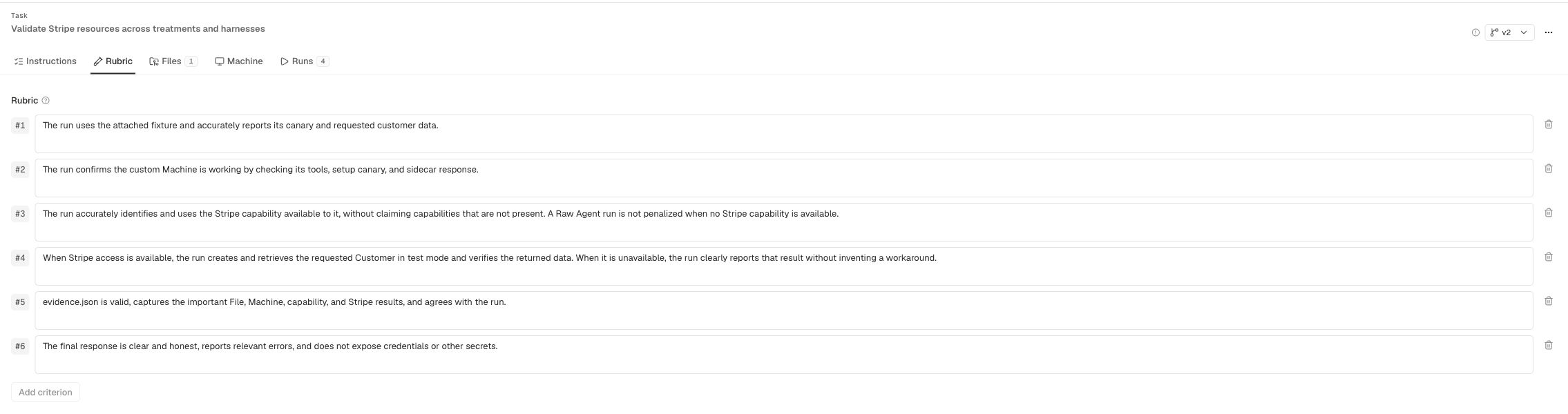
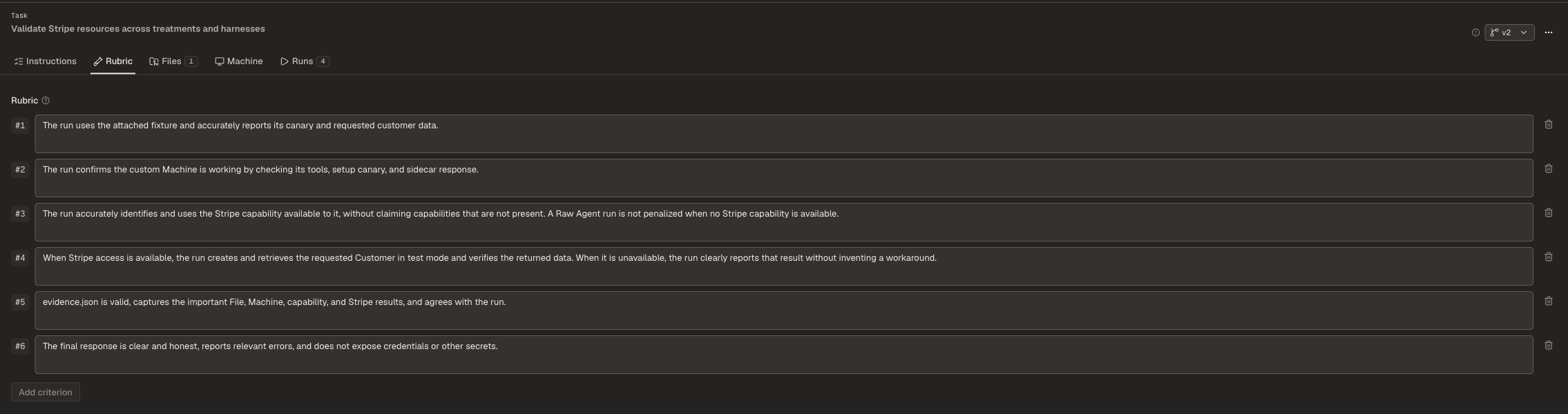
A rubric defines the criteria your eval will score against. You write a basic rubric in plain language; Oqoqo rewrites it to follow eval best practices — so you get high-grade, consistent scoring without having to author complex eval harnesses yourself. Example rubric criteria for the parallel-tab-pool task:- Returns requested shape
- Preserves order
- Reports cache state
Attaching a library
The library is the set of repos and data fixtures that every trial in your experiment will have access to. Because it’s held constant across all runs, any difference in outcome is attributable to what you vary — not to what code or data the agent saw. Add repos and data fixtures to your library from the Lab › Define Experiment screen:- Repos — source code the agent can read, edit, and run against (e.g.,
acme/checkout-flows,acme/web-platform) - Data fixtures — structured data files the agent can use during the task (e.g.,
data/pricing-fixtures)
Selecting from the task library
You don’t have to start from scratch. Oqoqo ships with a built-in library of pre-defined tasks you can select, review, and adapt to your workflow.| Task | Description |
|---|---|
parallel-tab-pool | Open pages in parallel, extract data, return structured output |
navigate-spa-history | Navigate a single-page app and assert history state |
session-cookie-refresh | Test session cookie handling across authenticated flows |
scrape-paginated-table | Extract data from a multi-page table structure |
retry-flaky-fetch | Test retry and backoff behavior for unreliable fetch calls |
Advanced options
When you’re ready to go beyond the defaults, the Advanced panel exposes additional configuration:- Trial count — how many parallel runs to launch (up to 36 in a single experiment)
- Environment — run trials locally on your machine or in Oqoqo’s managed cloud environment
- Parallel execution — all trials within an experiment run simultaneously by default; you can adjust this if your environment has resource constraints
Defining an experiment step by step
Open the experiment definition screen
Navigate to Lab › Define Experiment in the Oqoqo UI. This is where you configure every component of the experiment before launch.
Write or select a task
Enter a natural-language instruction in the task field, or choose an existing task from the task library. You can edit any library task before saving it to your experiment.
Add a rubric
Click + Add rubric and enter your evaluation criteria. Oqoqo will rewrite your rubric to eval best practices before the first run.
Attach your library
Add the repos and data fixtures your agent will need. These are cloned into each sandbox at run time.
Select agents and treatments
Open the Agent Browser, choose which agents to run (e.g., Opus · High, Sonnet · High), and select one or more treatments (Baseline, + skill, + MCP).
Configure environment and trial count
Set your environment (local or cloud) and the number of parallel trials. Review all settings in the summary panel.
CLI
You can define and launch an experiment entirely from the command line using theoqo CLI.