

This page is about the Oqoqo MCP server that operates your workspace. It is separate from MCP servers you attach to treatments when you test your own product. See Treatments and Assets.
Why MCP exists
Your coding agent should be able to:- create tasks and treatments with you
- launch and watch experiments
- read Matrix, traces, and frictions
- open the exact dashboard link when a secret is required
Install
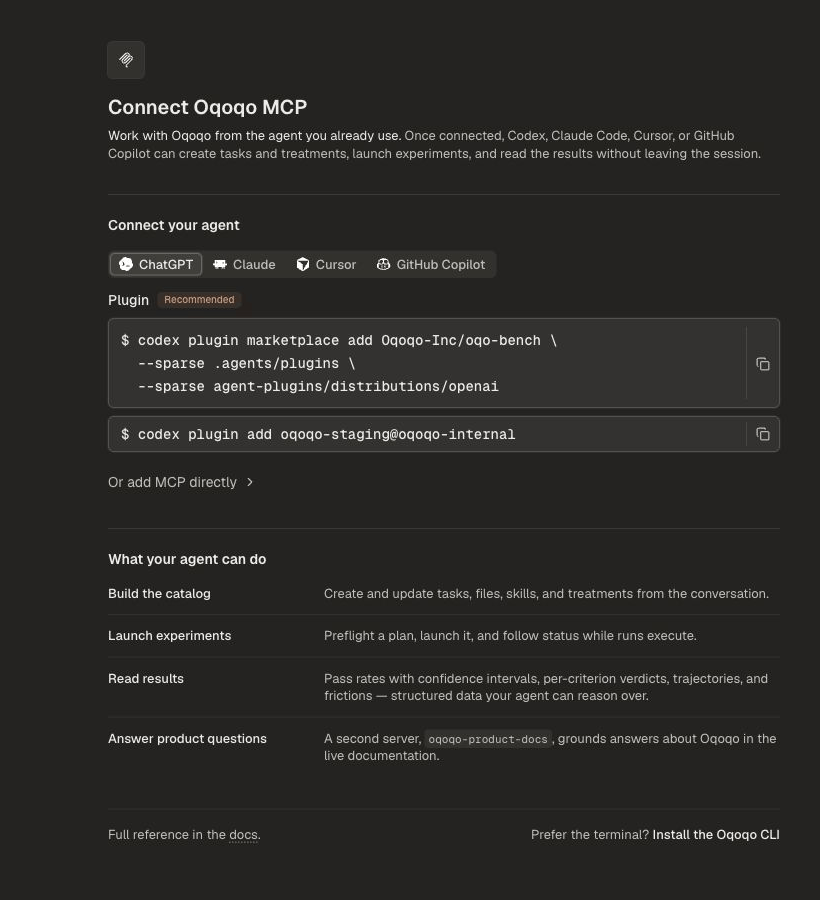
Prefer the plugin. It registers the Oqoqo workspace server and the product docs server for you. Do not add both the plugin and a direct MCP connection in the same host. That would load the same tools twice.ChatGPT
Claude
/mcp.
Cursor
/plugin. Open Marketplace, select oqoqo, and install it for the user.
GitHub Copilot
copilot and run /mcp auth oqoqo.
Or add MCP directly
Or add MCP directly
Use this path only when your host does not support plugins. Authentication uses OAuth. On first use, the host opens Oqoqo’s authorization page.Workspace endpoint:Product docs endpoint (add once with direct MCP):Then start Claude Code and run Then authenticate and enable:Then start
ChatGPT
Claude
/mcp.Cursor
Add to~/.cursor/mcp.json (user) or .cursor/mcp.json (project):GitHub Copilot
copilot and run /mcp auth oqoqo.Capabilities
MCP and the CLI share the same product capabilities.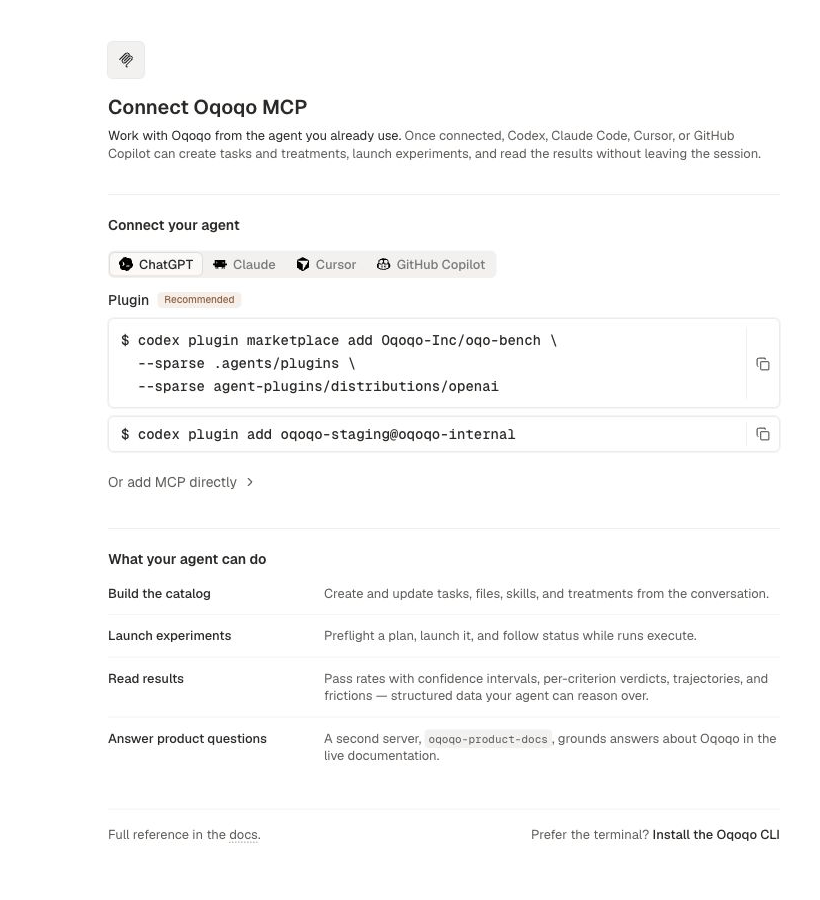
Destructive tools use the host’s native approval flow plus a short-lived server confirmation.
Keep secrets in the dashboard
OAuth grants, API keys, and secret headers stay in the dashboard. Ordinary project, catalog, experiment, and analysis work stays available from the agent session. When a tool needs a secure value, it returns the exact Web setup link for that step. Billing checkout also stays on the Web.First prompt
Related pages
CLI
The same capabilities from your terminal and scripts.
Ask Oqo
The in-app assistant for everyday project work.
Projects
Create and switch projects.
Dashboard map
Where each surface lives in the app.