

Where to find it
- Ask Oqo in the dashboard sidebar for the full page
- Ask Oqo in the header on any dashboard page
- The Ask prompt on the project Home page
Prerequisites
- Connect a provider under Organization settings → Model providers, or connect OpenAI (ChatGPT Subscription) or Nous Portal under Profile → Integrations.
- Assign a model to Ask Oqo under Organization settings → Oqoqo AI features.
- Authorize access to your projects when Ask Oqo asks.
Ask Oqo does not support models from Anthropic (Claude Subscription) yet. Use OpenAI (ChatGPT Subscription), Nous Portal, or another compatible provider.
What you can do
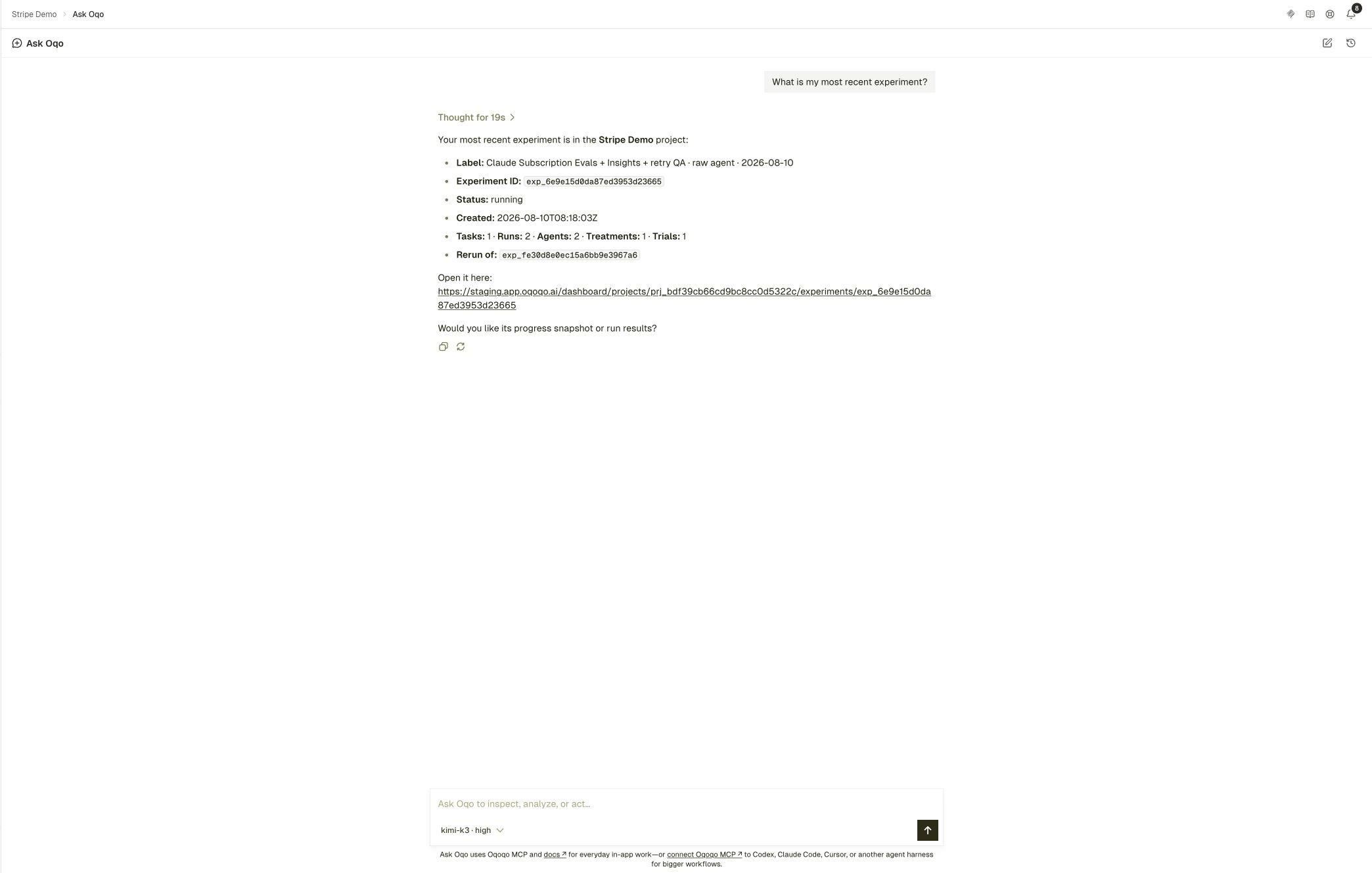
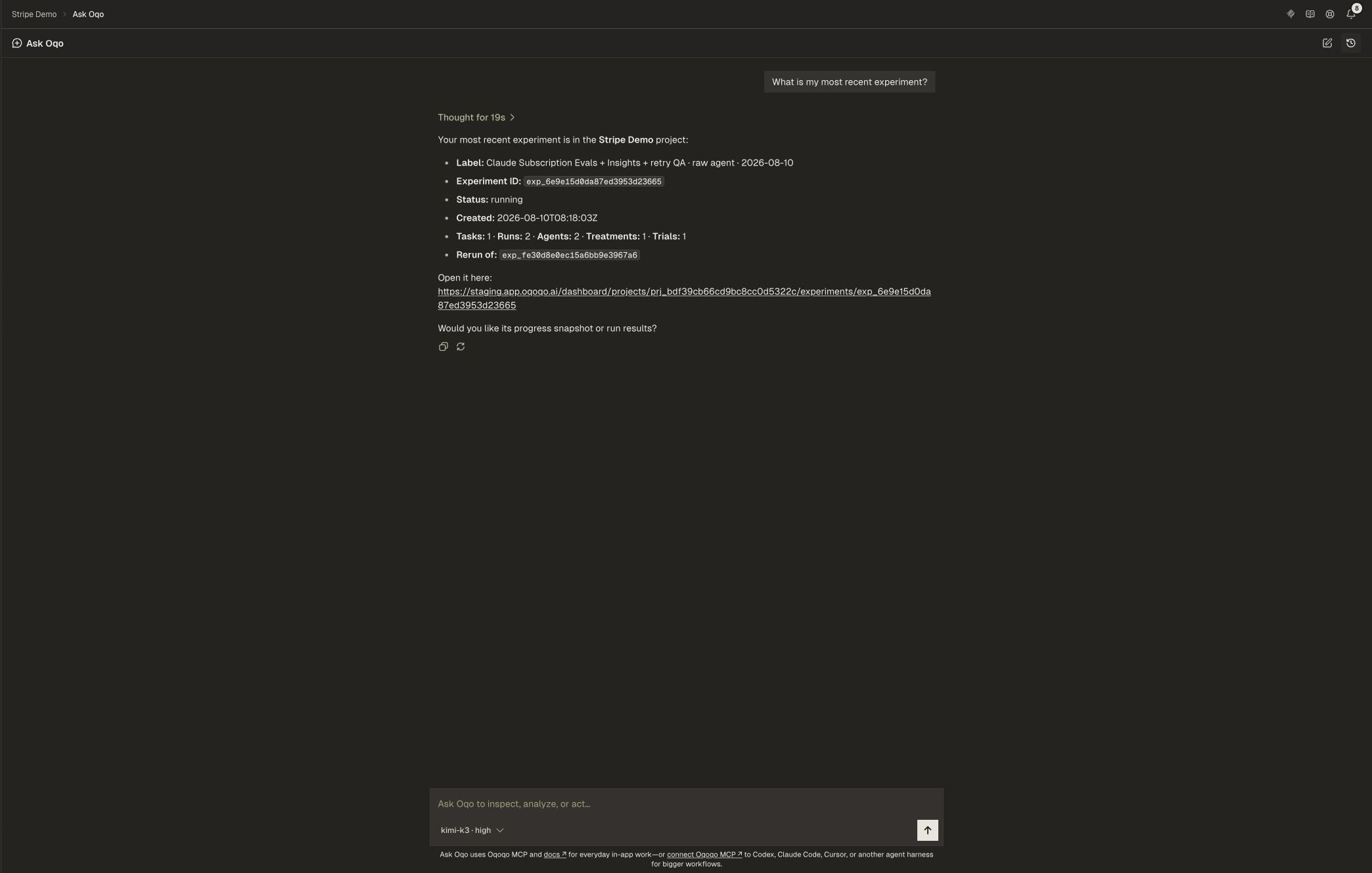
Use Ask Oqo to:- Explain Matrix, Frictions, or a specific run
- Find where agents got stuck and what to change next
- Help draft tasks, launch small experiments, and read results
- Point you to the exact dashboard screen when a step needs a secret
Secrets stay in the dashboard
OAuth grants, API keys, and other secrets stay in the web app. When Ask Oqo needs a secure value, it sends you to the exact setup link instead of asking you to paste a secret into chat.First prompts
Related pages
Oqoqo AI features
All AI roles, including Ask Oqo.
MCP
Operate Oqoqo from your coding agent.
Evals and Insights
How scoring and friction analysis work.
Frictions
Start from where agents got stuck.