> ## Documentation Index
> Fetch the complete documentation index at: https://docs.oqoqo.ai/llms.txt
> Use this file to discover all available pages before exploring further.
# Projects
> Create, switch, rename, and delete projects. A project groups your tasks, agents, assets, and experiments.
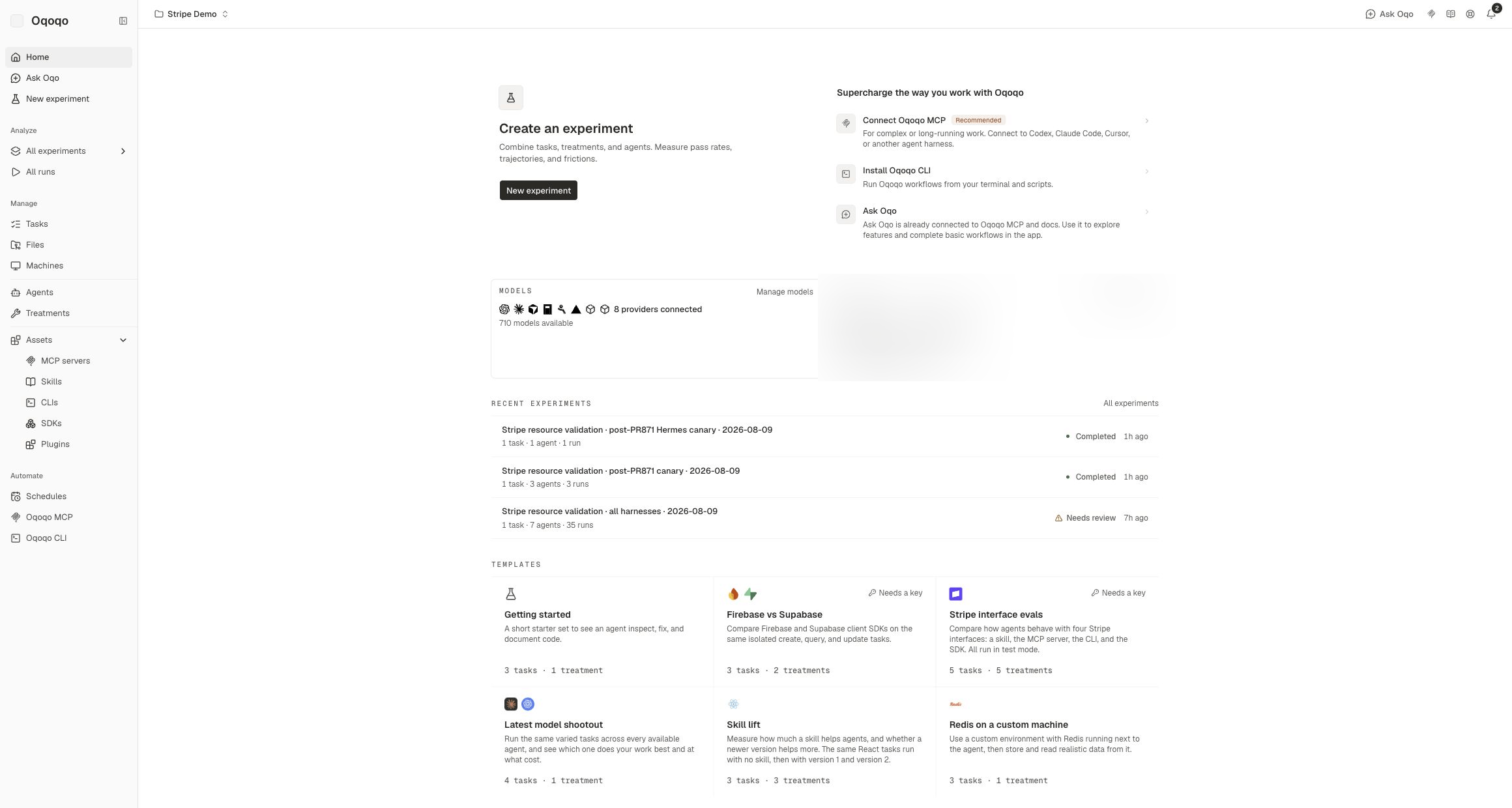
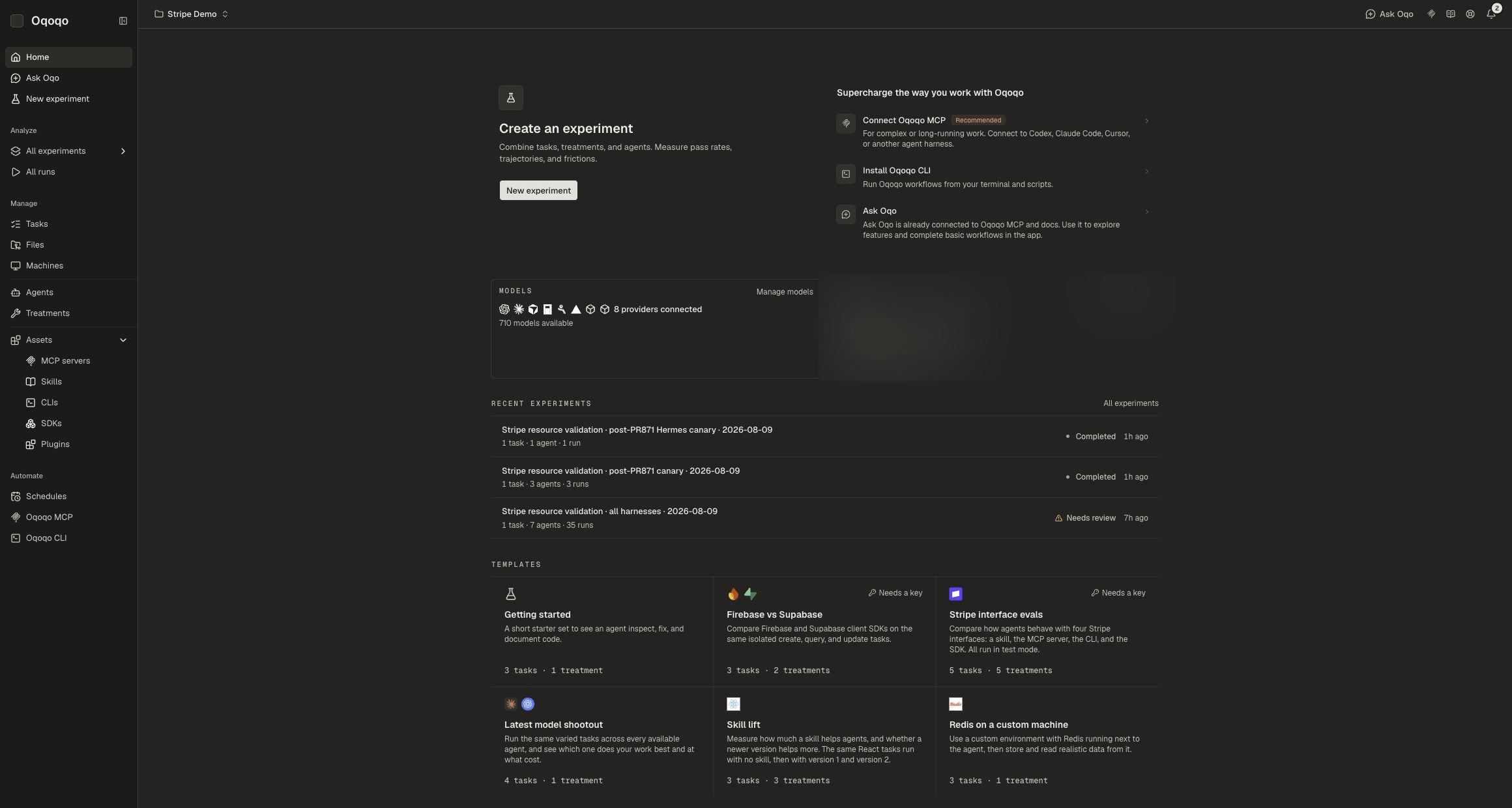
A **project** groups your tasks, agents, assets, and experiments. Most dashboard work happens inside the project you have selected.
There is no Project settings page. Manage projects from the header **project switcher**.
 ## Create a project
1. Open the project switcher in the dashboard header.
2. Select **New project**.
3. Name the project and create it.
You can also create and manage projects with the [CLI](/operate/cli) or [MCP](/operate/mcp).
## Switch projects
Open the project switcher and select the project you want. Ask Oqo, catalog pages, and experiments follow the selected project.
## Rename a project
1. Open the project switcher.
2. Open the edit control on the project row.
3. Choose **Rename project**.
## Delete a project
1. Open the project switcher.
2. Open the edit control on the project row.
3. Choose **Delete project**.
4. Confirm. Deletion permanently removes the project and everything inside it.
You cannot delete the organization's only project. Create another project first.
Deletion removes tasks, files, machines, skills, MCP servers, CLIs, SDKs, treatments, agents, experiments, runs, evals, and insights in that project.
## CLI
```sh theme={null}
oqoqo projects list
oqoqo projects use
oqoqo projects current
oqoqo projects create --name "My project"
oqoqo projects update --name "New name"
oqoqo projects delete
```
Destructive deletes use a preview plus approval. MCP exposes the same project operations.
## Related pages
Shared org settings across projects.
Personal settings and Integrations.
Manage projects from the terminal.
Launch work inside a project.
## Create a project
1. Open the project switcher in the dashboard header.
2. Select **New project**.
3. Name the project and create it.
You can also create and manage projects with the [CLI](/operate/cli) or [MCP](/operate/mcp).
## Switch projects
Open the project switcher and select the project you want. Ask Oqo, catalog pages, and experiments follow the selected project.
## Rename a project
1. Open the project switcher.
2. Open the edit control on the project row.
3. Choose **Rename project**.
## Delete a project
1. Open the project switcher.
2. Open the edit control on the project row.
3. Choose **Delete project**.
4. Confirm. Deletion permanently removes the project and everything inside it.
You cannot delete the organization's only project. Create another project first.
Deletion removes tasks, files, machines, skills, MCP servers, CLIs, SDKs, treatments, agents, experiments, runs, evals, and insights in that project.
## CLI
```sh theme={null}
oqoqo projects list
oqoqo projects use
oqoqo projects current
oqoqo projects create --name "My project"
oqoqo projects update --name "New name"
oqoqo projects delete
```
Destructive deletes use a preview plus approval. MCP exposes the same project operations.
## Related pages
Shared org settings across projects.
Personal settings and Integrations.
Manage projects from the terminal.
Launch work inside a project.