> ## Documentation Index
> Fetch the complete documentation index at: https://docs.oqoqo.ai/llms.txt
> Use this file to discover all available pages before exploring further.
# Profile and account
> Personal info, Integrations, security, sessions, email preferences, and account deletion.
Open **Profile** from the dashboard account menu. Profile settings are personal to you. They are separate from Organization settings.
## Tabs
| Tab | What it is for |
| --------------------- | ----------------------------------------- |
| **Personal info** | Your name and profile details |
| **Integrations** | Personal provider logins and MCP sign-ins |
| **Security** | Password and account security |
| **Sessions** | Active signed-in sessions |
| **Email preferences** | Which emails you receive |
| **Danger zone** | Delete your account |
## Integrations
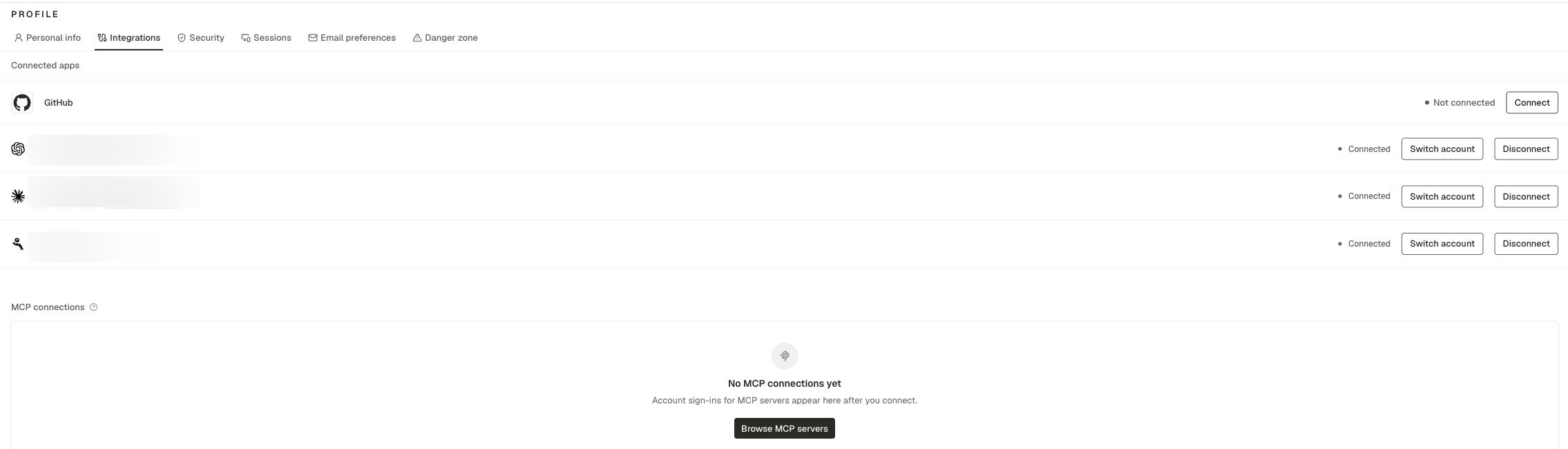
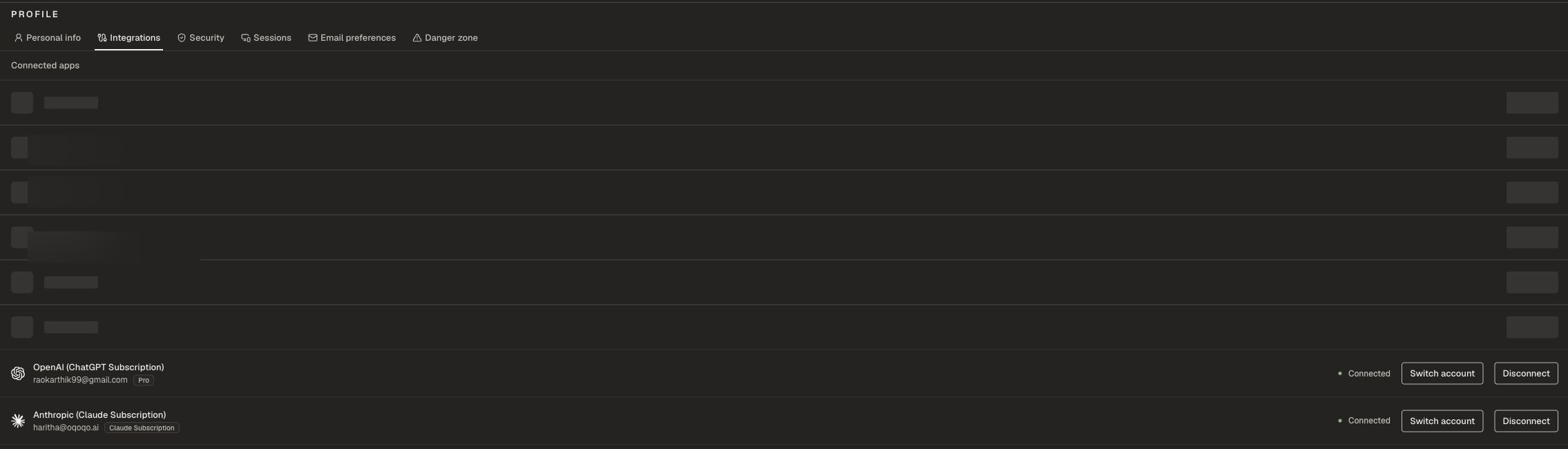 Under **Connected apps** you can connect:
| Integration | Purpose |
| ----------------------------------- | --------------------------------------------------------------------------------- |
| **GitHub Copilot** | Run the GitHub Copilot agent |
| **OpenAI (ChatGPT Subscription)** | Run Codex and power supported Oqoqo AI features through your ChatGPT subscription |
| **Anthropic (Claude Subscription)** | Run Claude Code and power supported Oqoqo AI features through Claude Pro / Max |
| **Nous Portal** | Run Hermes and power supported Oqoqo AI features through Nous Portal |
**Anthropic (Claude Subscription)** lets you run Claude Code with your Claude Pro / Max account instead of an organization Anthropic API key. Connect it here, then enable Claude Code under **Manage → Agents**.
Cursor uses an organization Cursor API key under **Organization settings → Model providers**, not a personal Integration. See [Supported agents](/setup/agents).
Personal Integrations are personal to you. Teammates connect their own accounts.
You can also complete personal MCP sign-ins here when a treatment MCP server needs your OAuth.
Supported personal Integrations can power agents and Oqoqo AI features. See [Model providers](/setup/model-providers).
## Email preferences
These settings affect email only. In-app notifications stay on. See [Notifications](/setup/notifications).
| Preference | What you get |
| ---------------------------- | --------------------------------------------------------------- |
| **Experiment updates** | Email when an experiment you launched or were added to finishes |
| **Billing & runs** | Top-up, refund, and low-runs notices |
| **Connection alerts** | Email when an MCP account needs reconnect |
| **Product news & marketing** | Commercial product email |
Some emails always send: **Account & sign-in** and **Operational alerts**.
## Danger zone
**Delete account** permanently removes your user account. Use this only when you intend to leave Oqoqo.
## Related pages
Which agents need personal Integrations.
In-app and email notification behavior.
Shared org settings.
Organization run balance and plans.
Under **Connected apps** you can connect:
| Integration | Purpose |
| ----------------------------------- | --------------------------------------------------------------------------------- |
| **GitHub Copilot** | Run the GitHub Copilot agent |
| **OpenAI (ChatGPT Subscription)** | Run Codex and power supported Oqoqo AI features through your ChatGPT subscription |
| **Anthropic (Claude Subscription)** | Run Claude Code and power supported Oqoqo AI features through Claude Pro / Max |
| **Nous Portal** | Run Hermes and power supported Oqoqo AI features through Nous Portal |
**Anthropic (Claude Subscription)** lets you run Claude Code with your Claude Pro / Max account instead of an organization Anthropic API key. Connect it here, then enable Claude Code under **Manage → Agents**.
Cursor uses an organization Cursor API key under **Organization settings → Model providers**, not a personal Integration. See [Supported agents](/setup/agents).
Personal Integrations are personal to you. Teammates connect their own accounts.
You can also complete personal MCP sign-ins here when a treatment MCP server needs your OAuth.
Supported personal Integrations can power agents and Oqoqo AI features. See [Model providers](/setup/model-providers).
## Email preferences
These settings affect email only. In-app notifications stay on. See [Notifications](/setup/notifications).
| Preference | What you get |
| ---------------------------- | --------------------------------------------------------------- |
| **Experiment updates** | Email when an experiment you launched or were added to finishes |
| **Billing & runs** | Top-up, refund, and low-runs notices |
| **Connection alerts** | Email when an MCP account needs reconnect |
| **Product news & marketing** | Commercial product email |
Some emails always send: **Account & sign-in** and **Operational alerts**.
## Danger zone
**Delete account** permanently removes your user account. Use this only when you intend to leave Oqoqo.
## Related pages
Which agents need personal Integrations.
In-app and email notification behavior.
Shared org settings.
Organization run balance and plans.