> ## Documentation Index
> Fetch the complete documentation index at: https://docs.oqoqo.ai/llms.txt
> Use this file to discover all available pages before exploring further.
# Ask Oqo
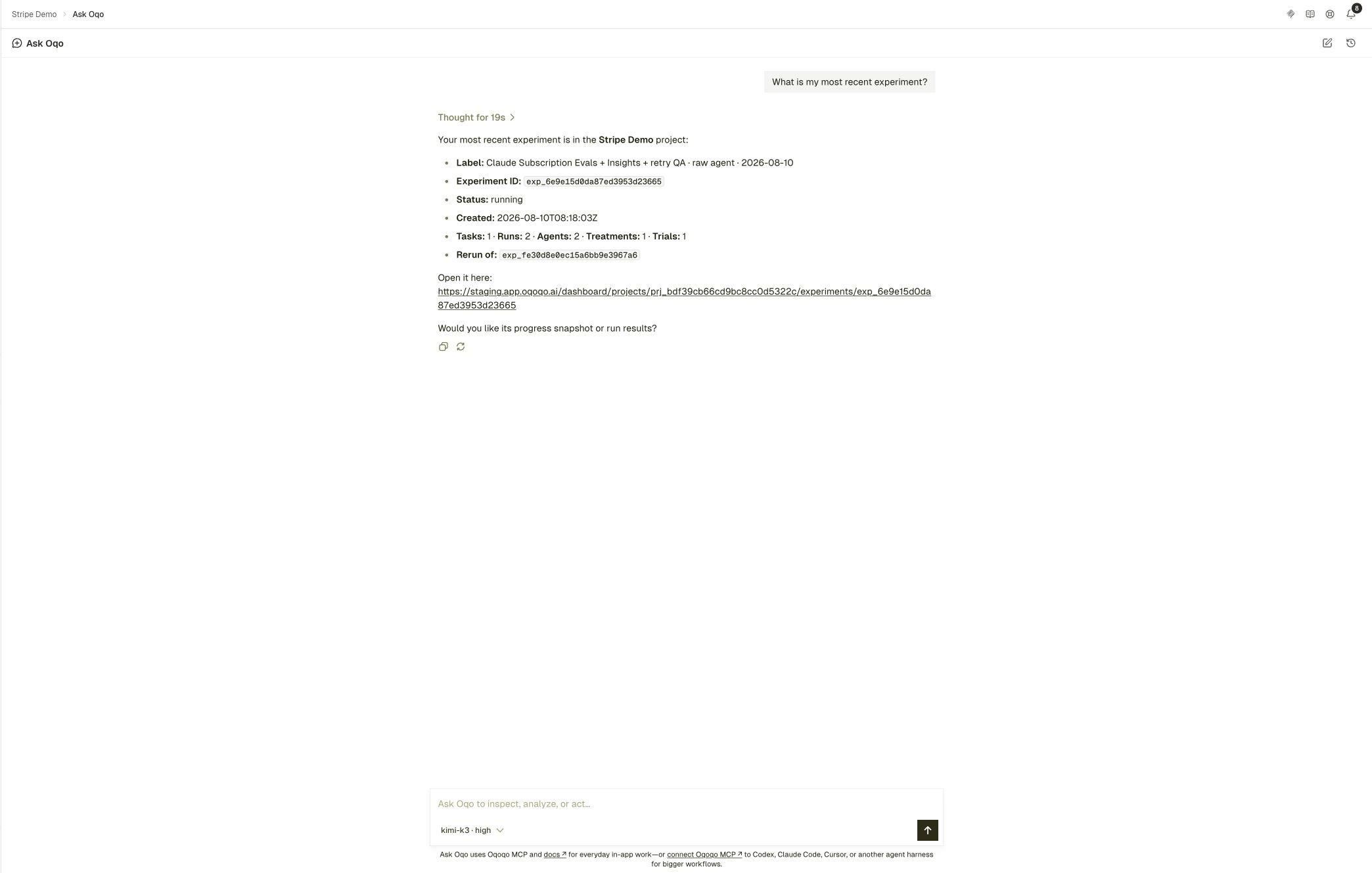
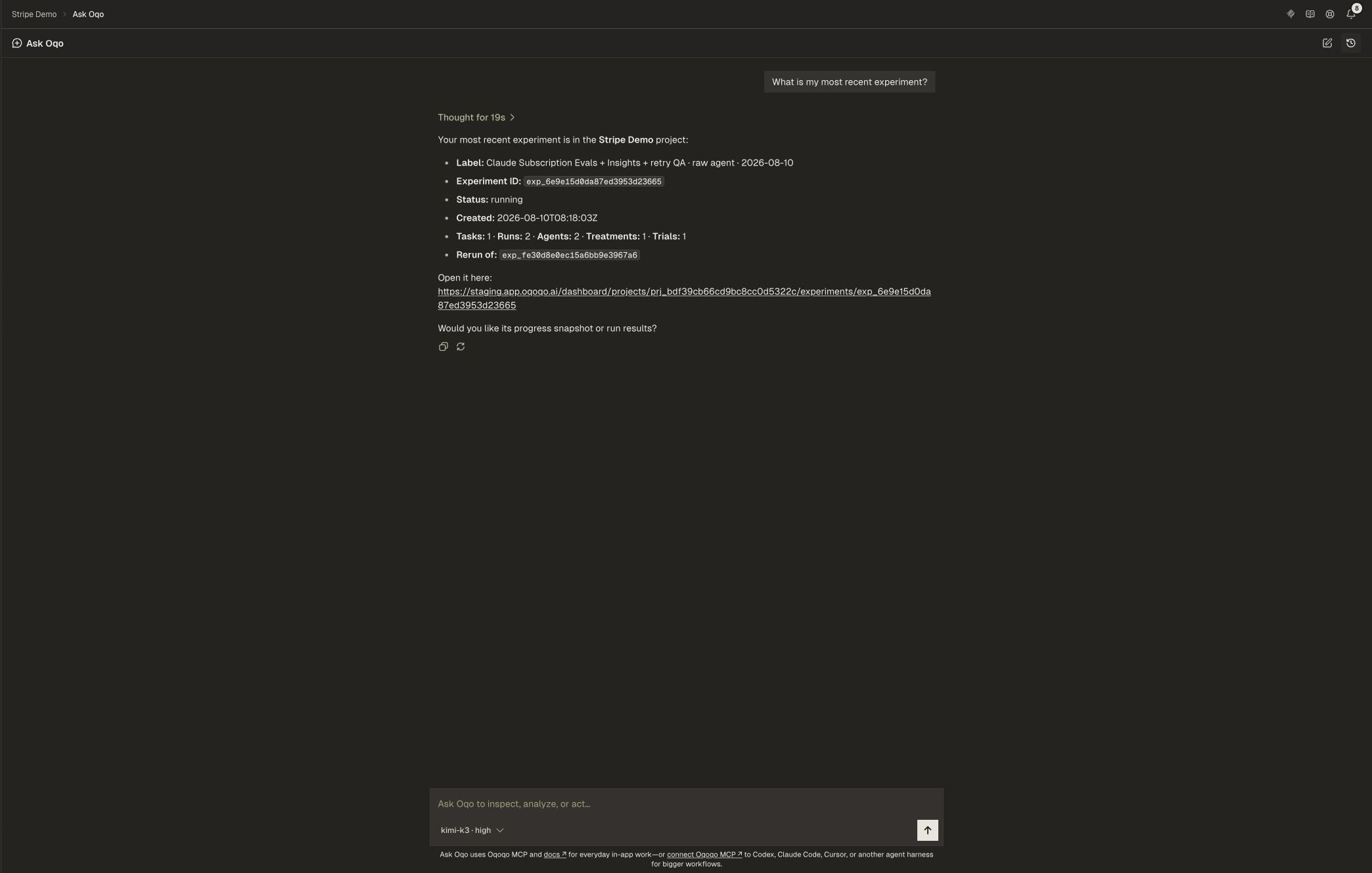
> Use Ask Oqo to inspect experiments, explain results, and take everyday actions in your project.
**Ask Oqo** is the in-app assistant for your project. Ask in plain language about experiments, runs, frictions, and what to do next.
## Where to find it
* **Ask Oqo** in the dashboard sidebar for the full page
* **Ask Oqo** in the header on any dashboard page
* The Ask prompt on the project Home page
Ask Oqo works on the project you currently have selected.
 ## Prerequisites
1. Connect a provider under **Organization settings → Model providers**, or connect **OpenAI (ChatGPT Subscription)** or **Nous Portal** under **Profile → Integrations**.
2. Assign a model to **Ask Oqo** under **Organization settings → Oqoqo AI features**.
3. Authorize access to your projects when Ask Oqo asks.
If you see **Ask Oqo needs a model**, finish steps 1 and 2.
Ask Oqo does not support models from **Anthropic (Claude Subscription)** yet. Use **OpenAI (ChatGPT Subscription)**, **Nous Portal**, or another compatible provider.
See [Oqoqo AI features](/setup/oqoqo-ai) and [Model providers](/setup/model-providers).
## What you can do
Use Ask Oqo to:
* Explain Matrix, Frictions, or a specific run
* Find where agents got stuck and what to change next
* Help draft tasks, launch small experiments, and read results
* Point you to the exact dashboard screen when a step needs a secret
Ask Oqo uses Oqoqo MCP and the docs for in-app work. For larger workflows in Codex, Claude Code, Cursor, or similar hosts, install the recommended [plugin](/operate/mcp) or the [CLI](/operate/cli).
## Secrets stay in the dashboard
OAuth grants, API keys, and other secrets stay in the web app. When Ask Oqo needs a secure value, it sends you to the exact setup link instead of asking you to paste a secret into chat.
## First prompts
```text theme={null}
Show my current project, summarize recent experiments, and list the top frictions.
```
```text theme={null}
Explain why the baseline treatment underperformed the skill treatment on Matrix.
```
```text theme={null}
Draft a small task and rubric to test our refund docs, then propose an experiment plan.
```
## Related pages
All AI roles, including Ask Oqo.
Operate Oqoqo from your coding agent.
How scoring and friction analysis work.
Start from where agents got stuck.
## Prerequisites
1. Connect a provider under **Organization settings → Model providers**, or connect **OpenAI (ChatGPT Subscription)** or **Nous Portal** under **Profile → Integrations**.
2. Assign a model to **Ask Oqo** under **Organization settings → Oqoqo AI features**.
3. Authorize access to your projects when Ask Oqo asks.
If you see **Ask Oqo needs a model**, finish steps 1 and 2.
Ask Oqo does not support models from **Anthropic (Claude Subscription)** yet. Use **OpenAI (ChatGPT Subscription)**, **Nous Portal**, or another compatible provider.
See [Oqoqo AI features](/setup/oqoqo-ai) and [Model providers](/setup/model-providers).
## What you can do
Use Ask Oqo to:
* Explain Matrix, Frictions, or a specific run
* Find where agents got stuck and what to change next
* Help draft tasks, launch small experiments, and read results
* Point you to the exact dashboard screen when a step needs a secret
Ask Oqo uses Oqoqo MCP and the docs for in-app work. For larger workflows in Codex, Claude Code, Cursor, or similar hosts, install the recommended [plugin](/operate/mcp) or the [CLI](/operate/cli).
## Secrets stay in the dashboard
OAuth grants, API keys, and other secrets stay in the web app. When Ask Oqo needs a secure value, it sends you to the exact setup link instead of asking you to paste a secret into chat.
## First prompts
```text theme={null}
Show my current project, summarize recent experiments, and list the top frictions.
```
```text theme={null}
Explain why the baseline treatment underperformed the skill treatment on Matrix.
```
```text theme={null}
Draft a small task and rubric to test our refund docs, then propose an experiment plan.
```
## Related pages
All AI roles, including Ask Oqo.
Operate Oqoqo from your coding agent.
How scoring and friction analysis work.
Start from where agents got stuck.