> ## Documentation Index
> Fetch the complete documentation index at: https://docs.oqoqo.ai/llms.txt
> Use this file to discover all available pages before exploring further.
# Experiment templates
> Start from Home templates such as Getting started, interface evals, model shootouts, and skill lift.
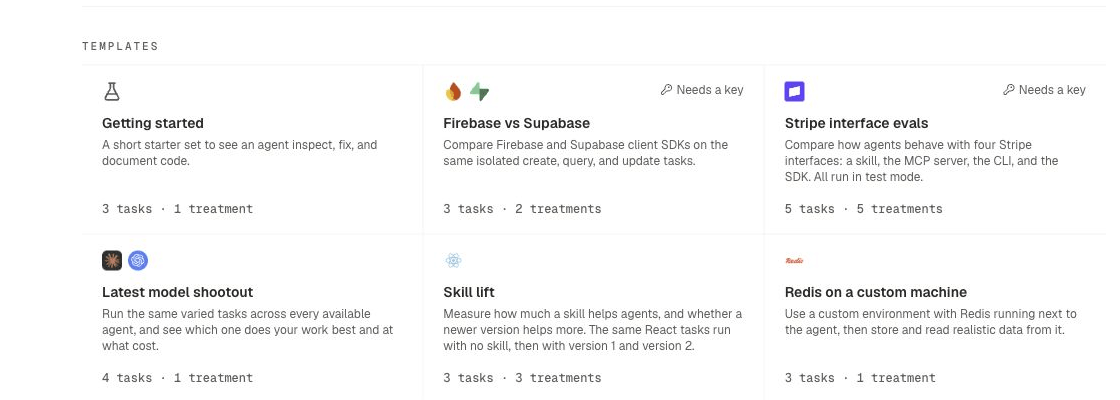
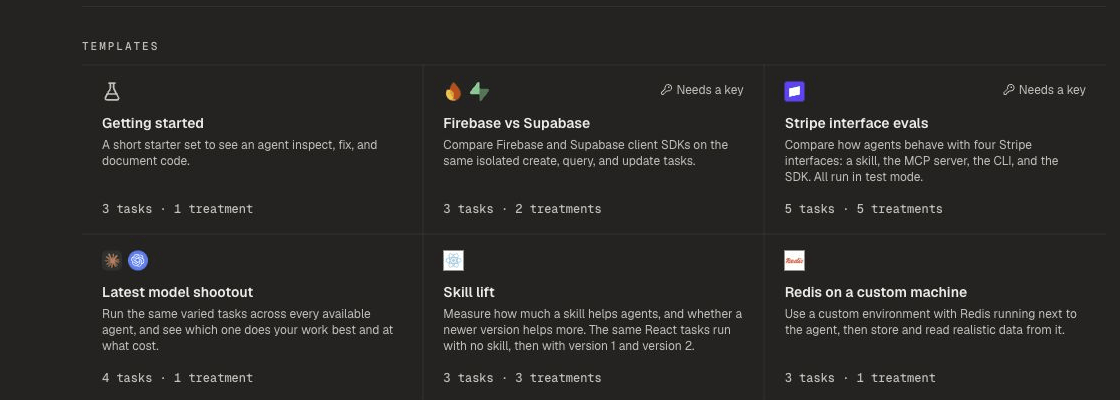
Home includes a **Templates** section. Each template creates a ready-made experiment draft so you can launch faster.
## How to start from a template
1. Open the project **Home** page.
2. Under **Templates**, select a card.
3. Review the draft experiment.
4. Adjust tasks, treatments, agents, or launch options as needed.
5. Launch.
You can also select **New experiment** and start without a template.
Some templates show **Needs a key** when a provider connection is required first. Connect providers under [Model providers](/setup/model-providers).
 ## Available templates
| Template | What it sets up |
| ----------------------------- | ------------------------------------------------------------------------------------- |
| **Getting started** | A short starter set to see an agent inspect, fix, and document code |
| **Firebase vs Supabase** | Compare Firebase and Supabase client SDKs on the same create, query, and update tasks |
| **Stripe interface evals** | Compare a Stripe skill, MCP server, CLI, and SDK on the same work in test mode |
| **Latest model shootout** | Run the same varied tasks across available agents and models |
| **Skill lift** | Measure how much a skill helps agents versus baseline |
| **Redis on a custom machine** | Use a custom machine with Redis for environment-aware work |
## After the template
Templates follow the same attachment model as any experiment. See [Core concepts](/core-concepts).
See [How experiments work](/experiments/overview) and [Launch options](/experiments/launch-options).
## Related pages
End-to-end first experiment.
Reuse a finished experiment as a new draft.
Skills, MCP servers, CLIs, and SDKs.
Agents available for shootouts.
## Available templates
| Template | What it sets up |
| ----------------------------- | ------------------------------------------------------------------------------------- |
| **Getting started** | A short starter set to see an agent inspect, fix, and document code |
| **Firebase vs Supabase** | Compare Firebase and Supabase client SDKs on the same create, query, and update tasks |
| **Stripe interface evals** | Compare a Stripe skill, MCP server, CLI, and SDK on the same work in test mode |
| **Latest model shootout** | Run the same varied tasks across available agents and models |
| **Skill lift** | Measure how much a skill helps agents versus baseline |
| **Redis on a custom machine** | Use a custom machine with Redis for environment-aware work |
## After the template
Templates follow the same attachment model as any experiment. See [Core concepts](/core-concepts).
See [How experiments work](/experiments/overview) and [Launch options](/experiments/launch-options).
## Related pages
End-to-end first experiment.
Reuse a finished experiment as a new draft.
Skills, MCP servers, CLIs, and SDKs.
Agents available for shootouts.